
← Using the App
Convert Pay Balance to Transit Balance
How to bring your Pay balance into your Transit balance. Requires tagging the physical card.
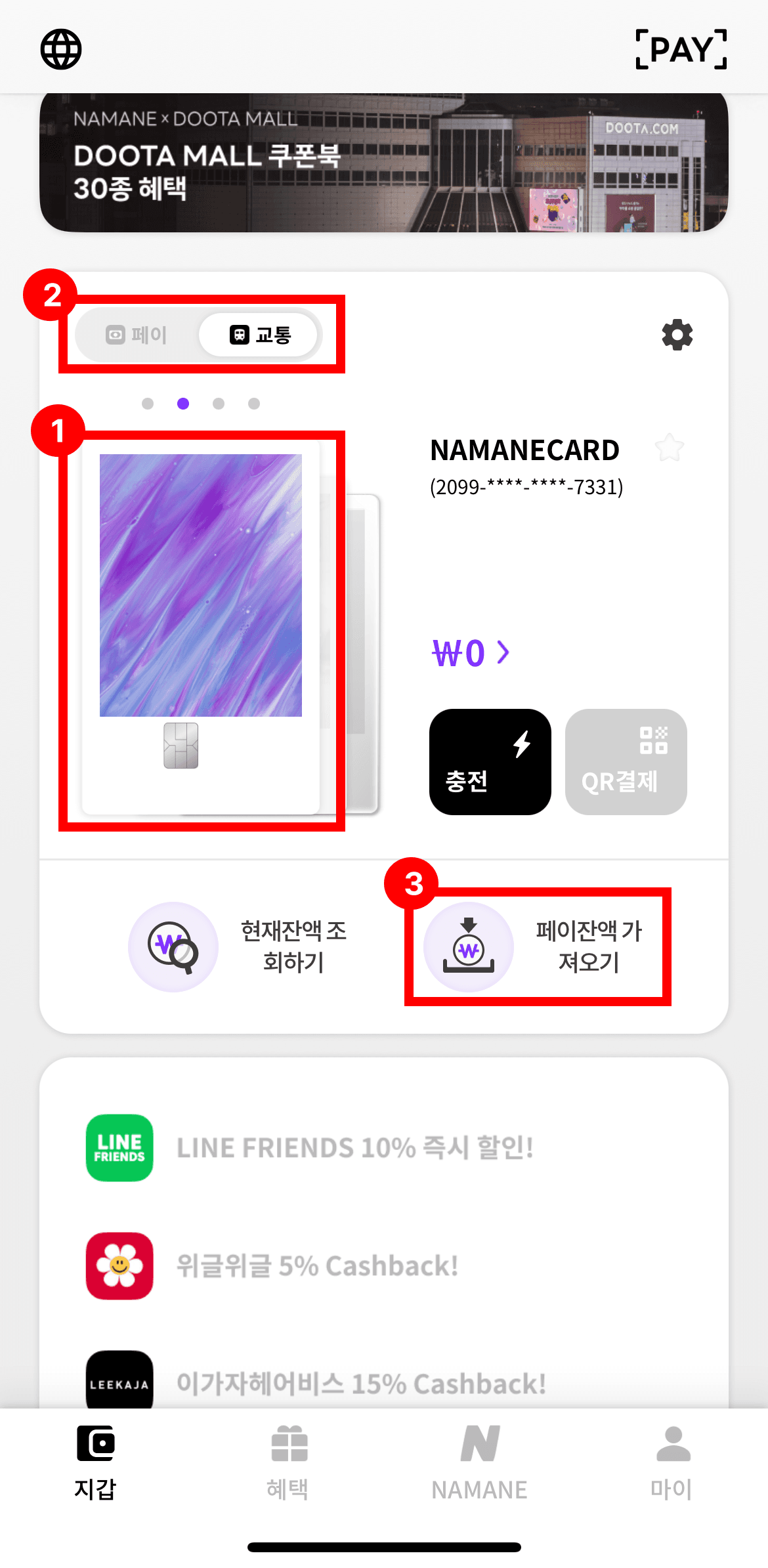
On the transit balance screen in your Wallet, tap 'Bring in Pay balance'.
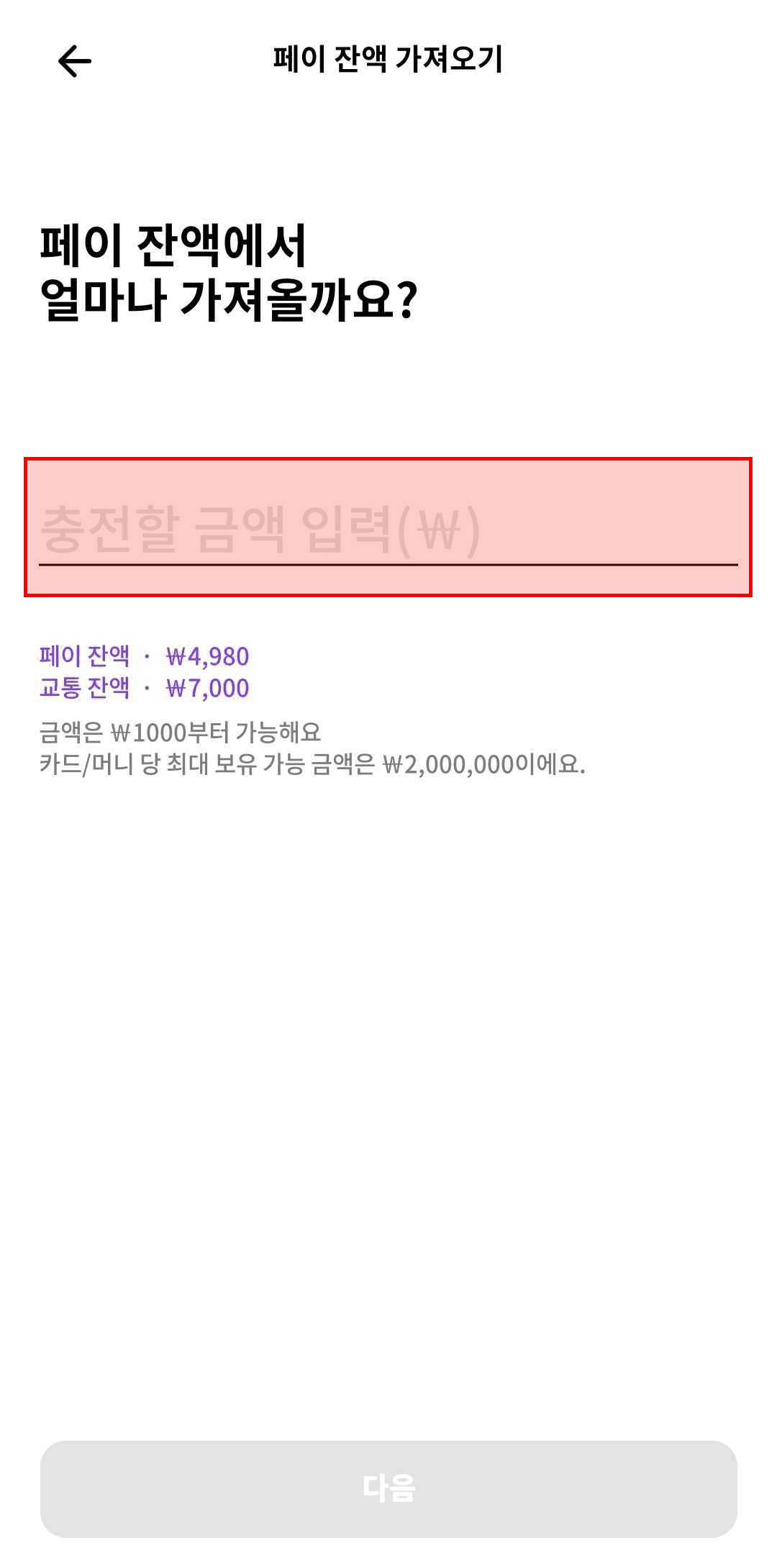
Enter the amount you want to bring in from the Pay balance.
Check that you've entered the correct amount, then tap 'Yes, bring it in!'.
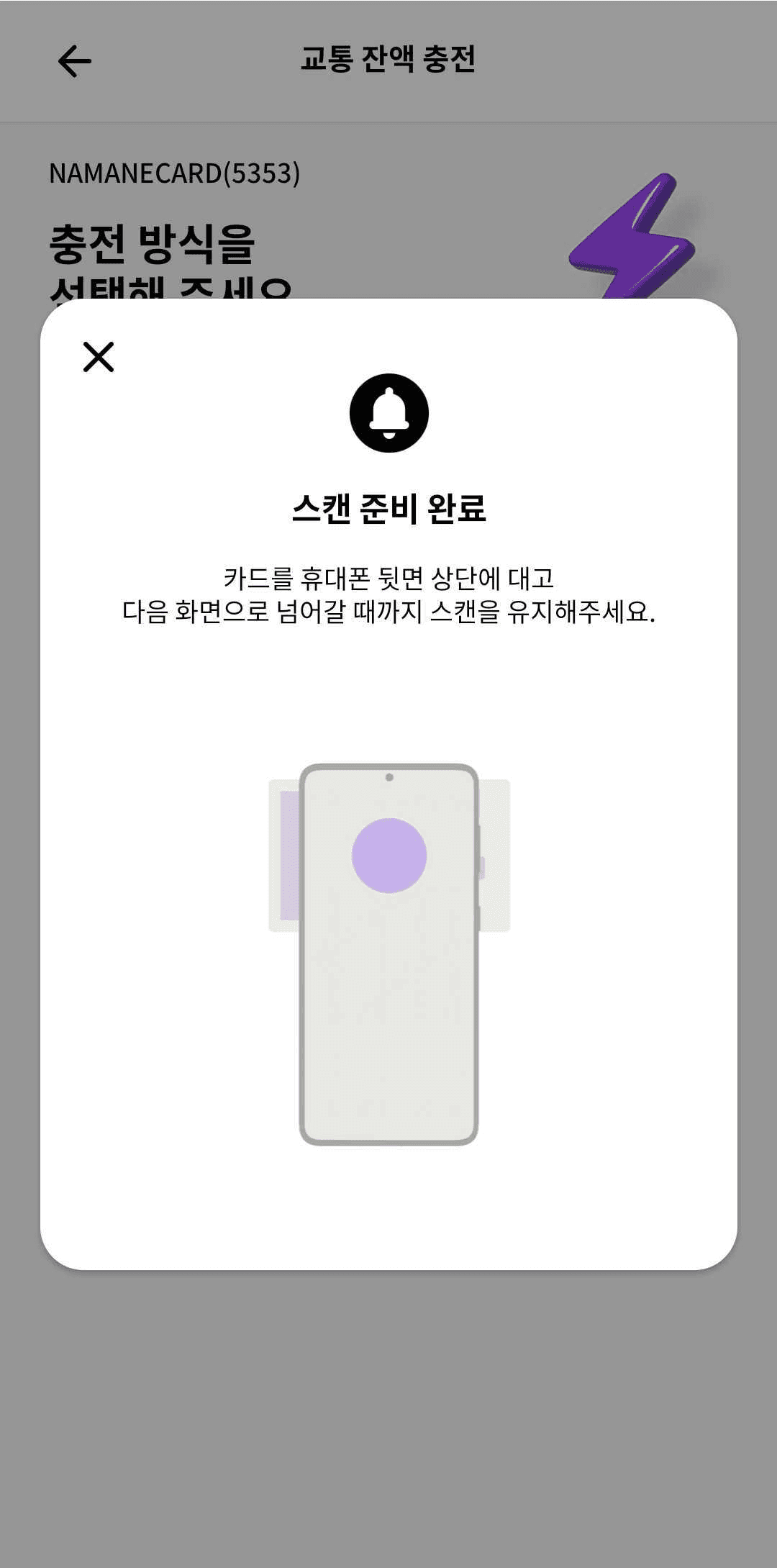
Hold the card against the top of the back of your phone and keep it there until the screen advances.
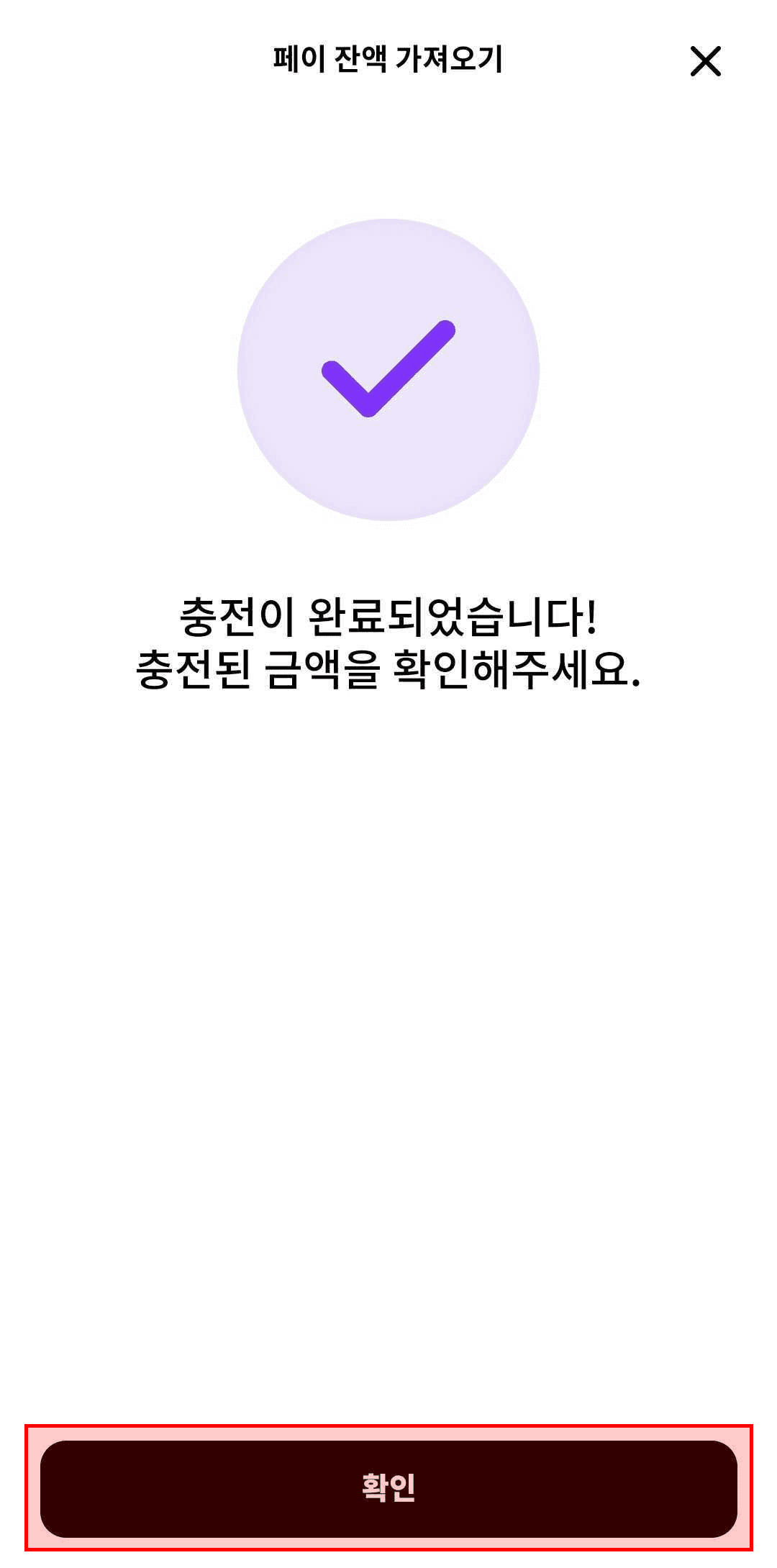
The top-up is complete. Tap 'Confirm' to check the topped-up amount.
Notes
- ※ The physical card is required to bring funds into the transit balance.
- ※ The minimum amount to bring over is ₩1,000, in increments of ₩100.
- ※ If your phone has a protective case, tag recognition may not work well.
- ※ Moving the card or repeatedly lifting and re-tapping it during tagging may prevent proper recognition.
- ※ On Android phones, you can check the NFC tag location in your device settings.