
← Using the App
Check Pay Balance
How to check your Pay balance and transit balance usage history by selecting a card.
Check Pay Balance
On the Wallet home, select a card and tap 'Check current balance'.
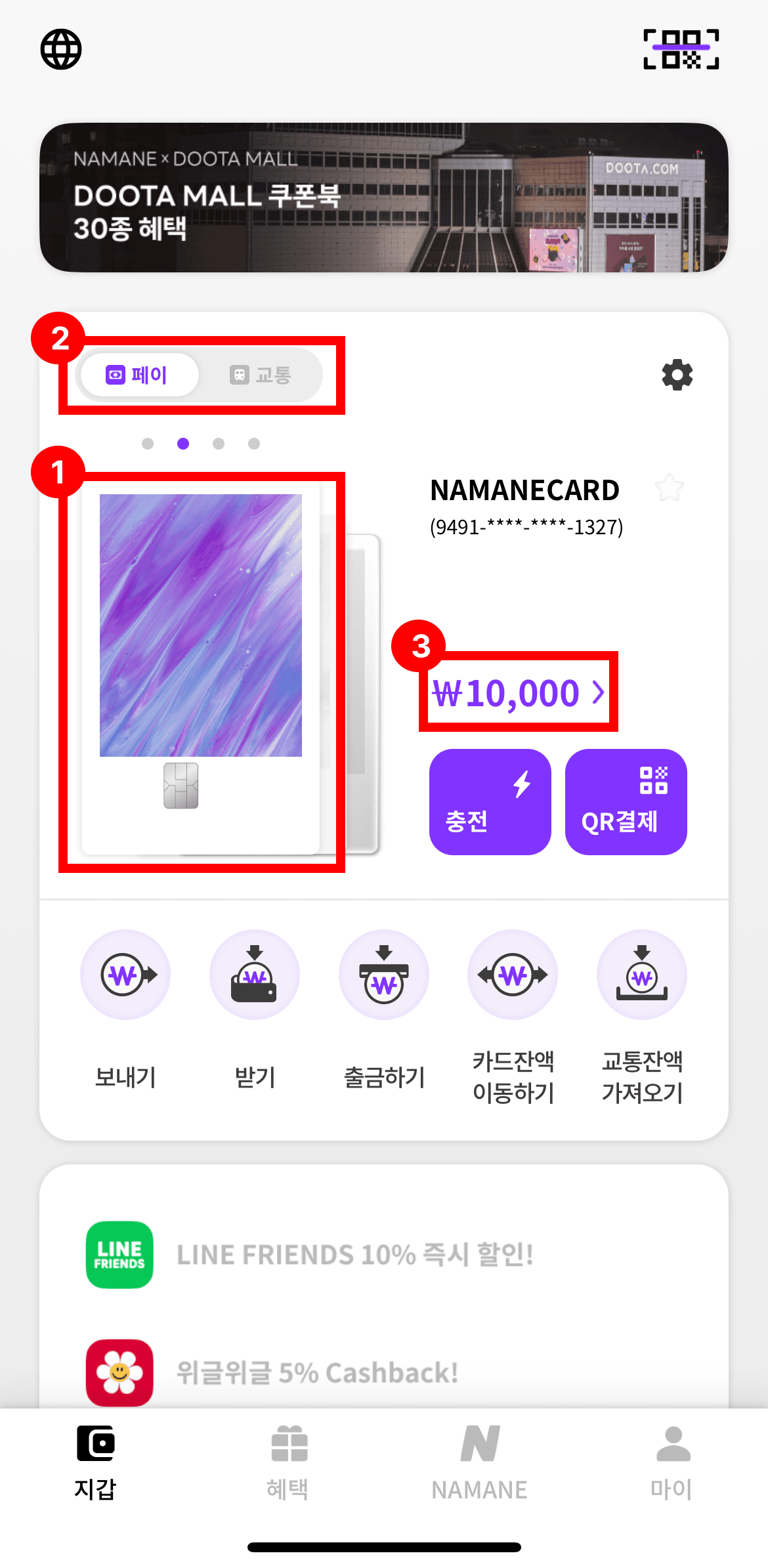
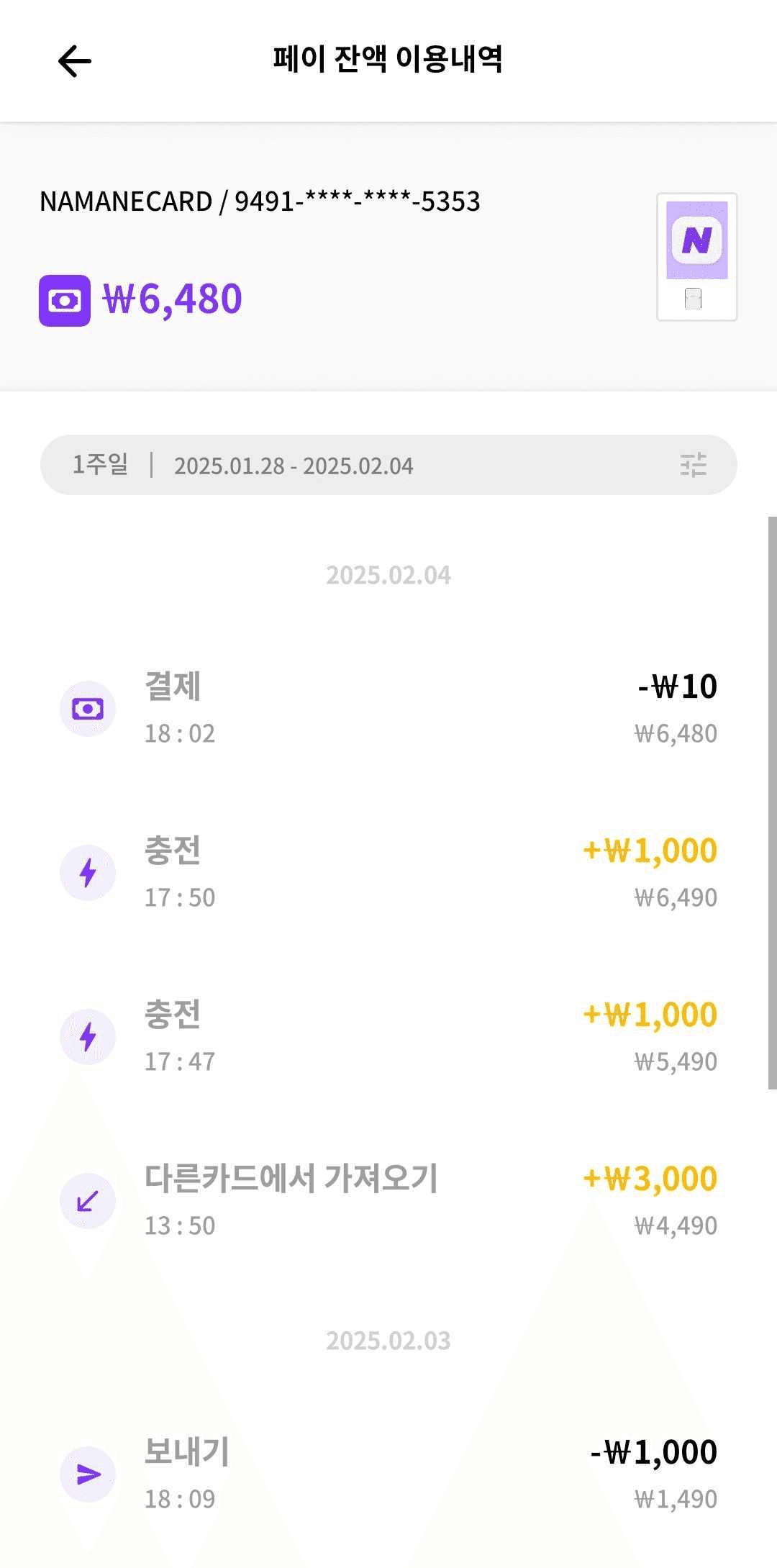
Pay balance usage history (payments, top-ups, transfers, etc.) is shown by date.
Check Transit Balance
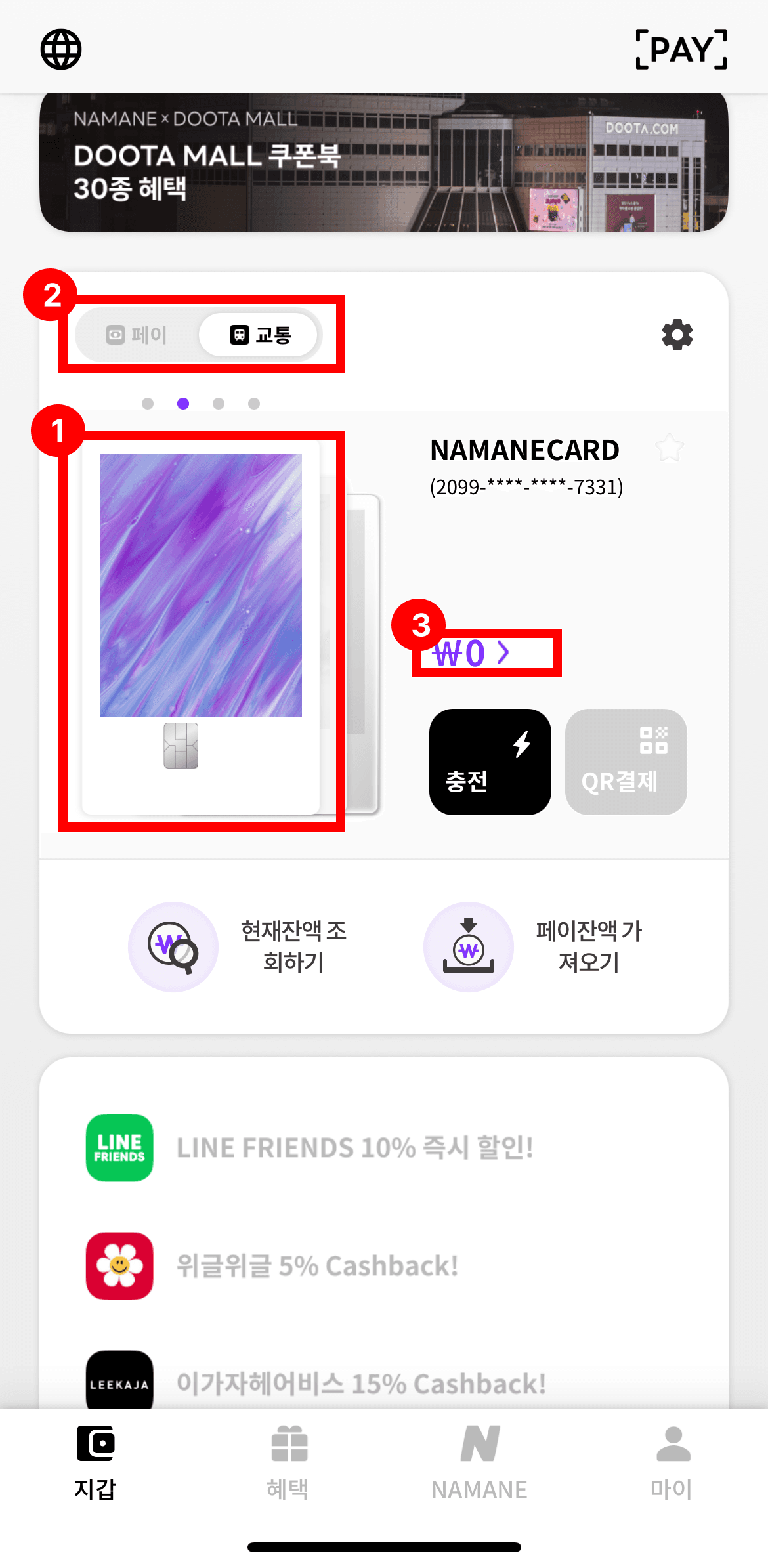
On the card screen, select the 'Transit' tab.
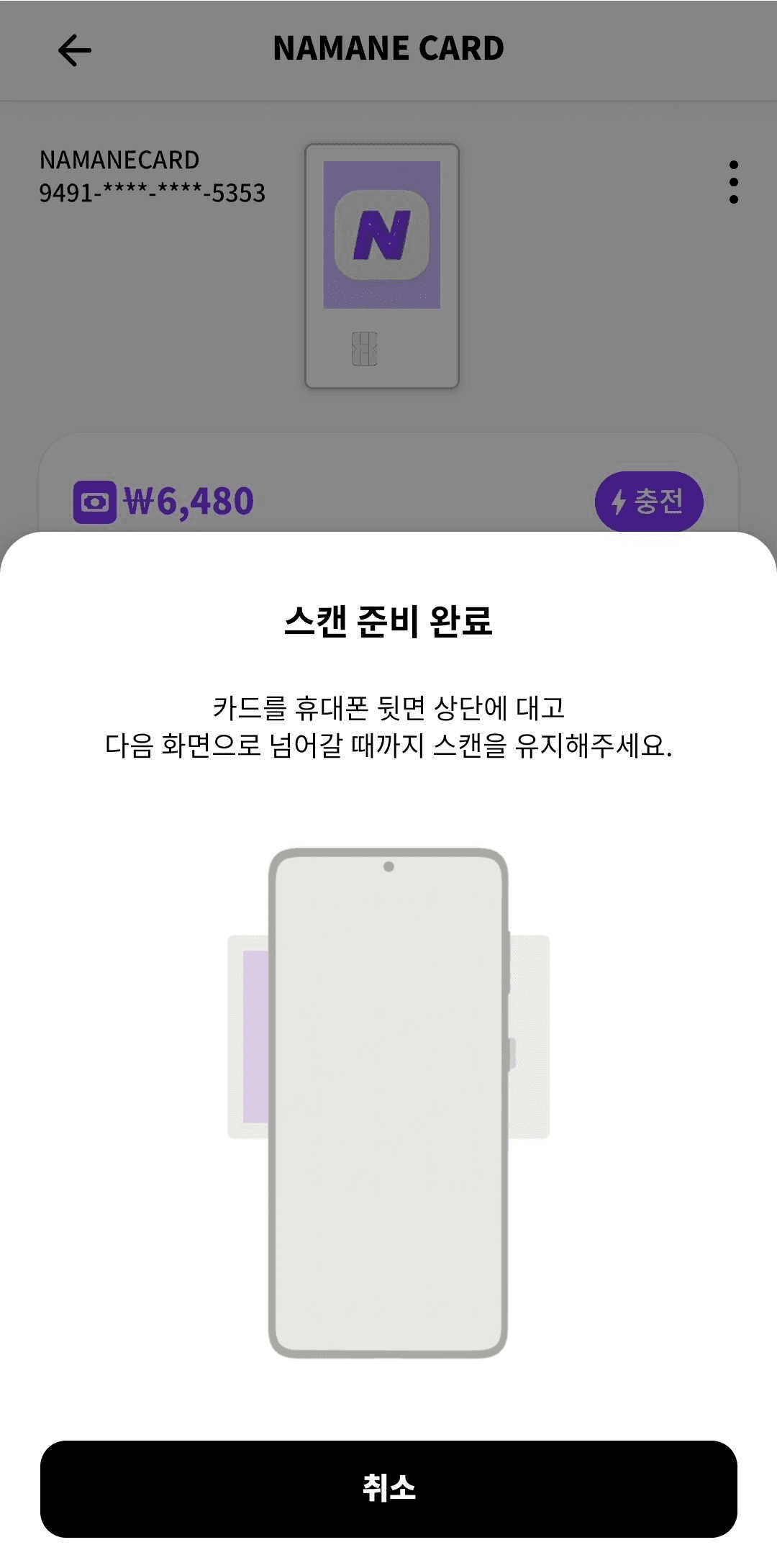
Hold the card against the top of the back of your phone and keep it there until the screen advances.
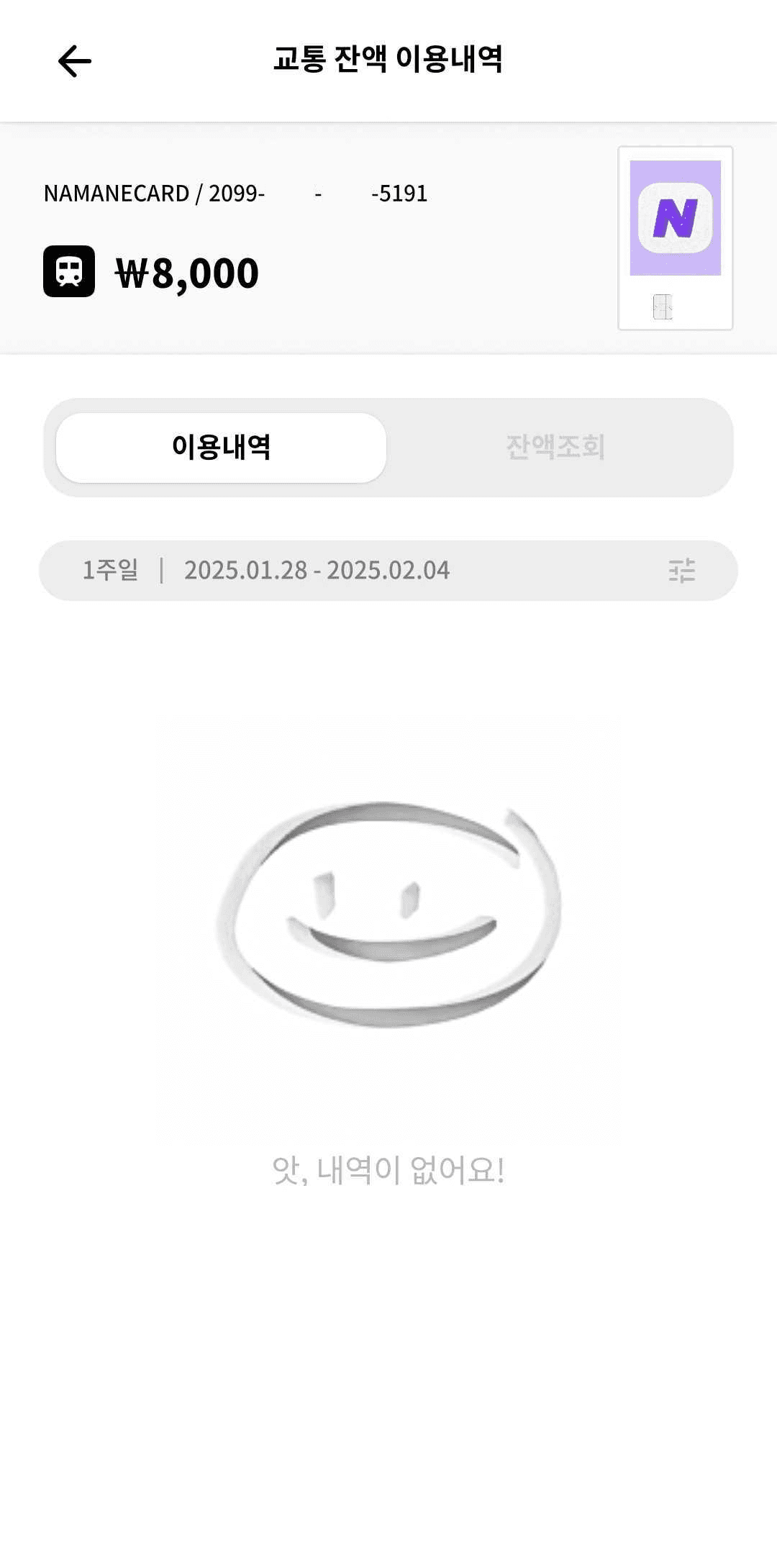
The transit balance usage history is shown.
Notes
- ※ Recent activity only shows the past week's usage history. For more detail, check the detailed view.
- ※ It may take some time for a top-up or a purchase to be reflected in the balance.
- ※ Pay balance history can be viewed for up to 92 days.
- ※ Checking the transit balance requires the physical card, since it needs to be tagged.
- ※ Up to 20 transit card transactions can be viewed.