
← Using the Card
In-App QR Payment
How to pay with your Pay balance using a QR code in the app.
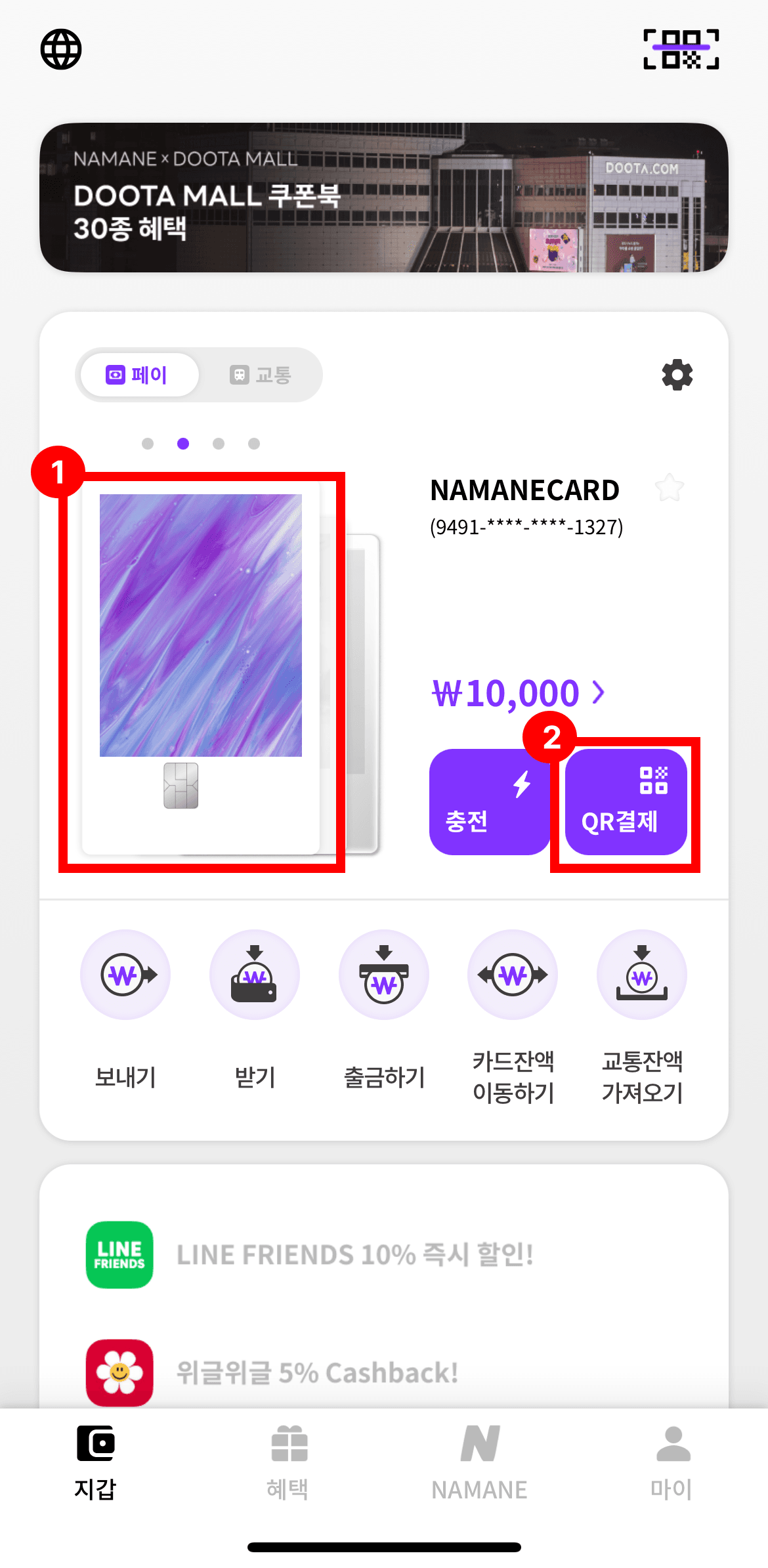
On the 'Wallet' screen, tap the 'QR Payment' button.
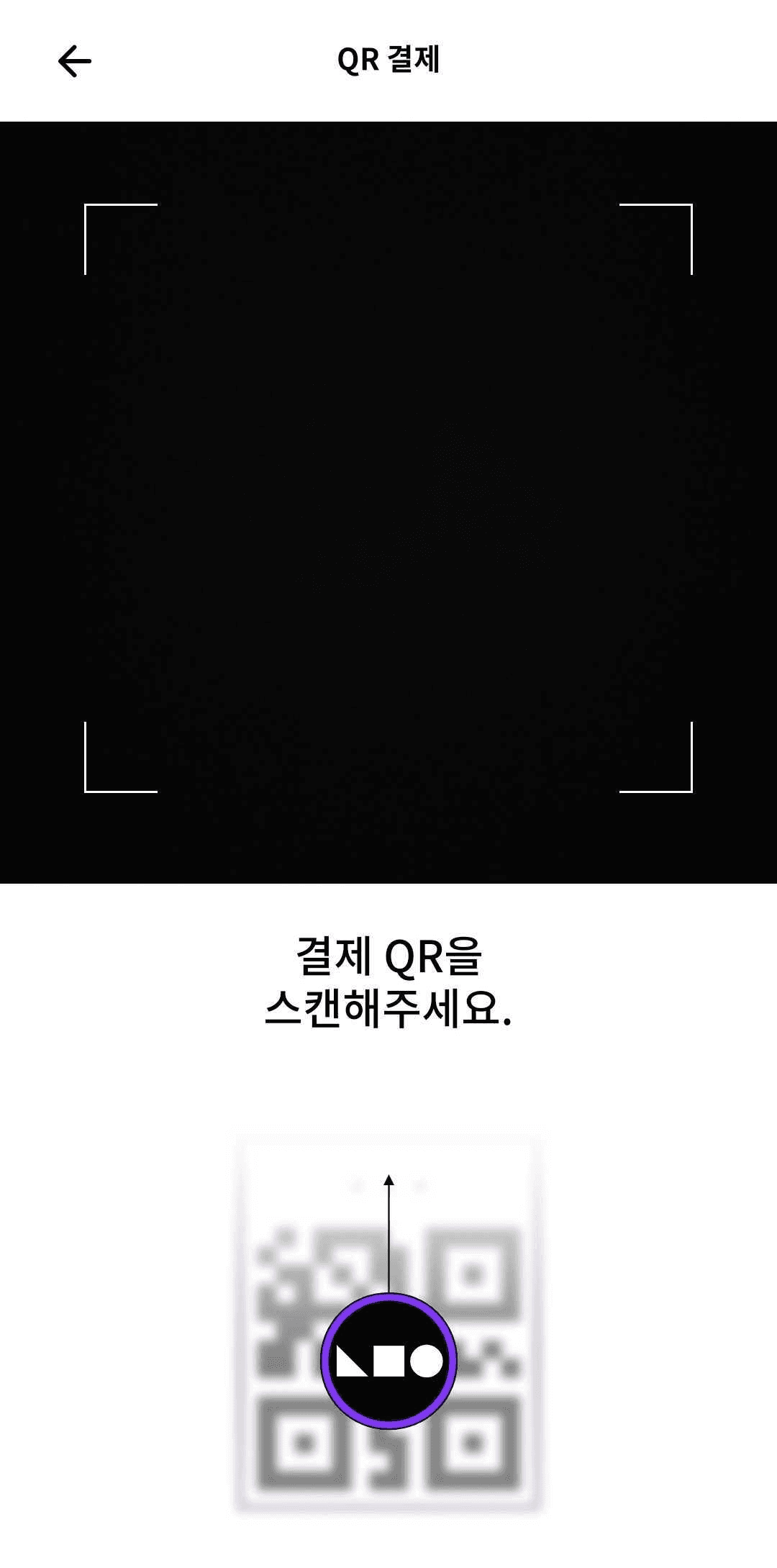
Scan the payment QR code.
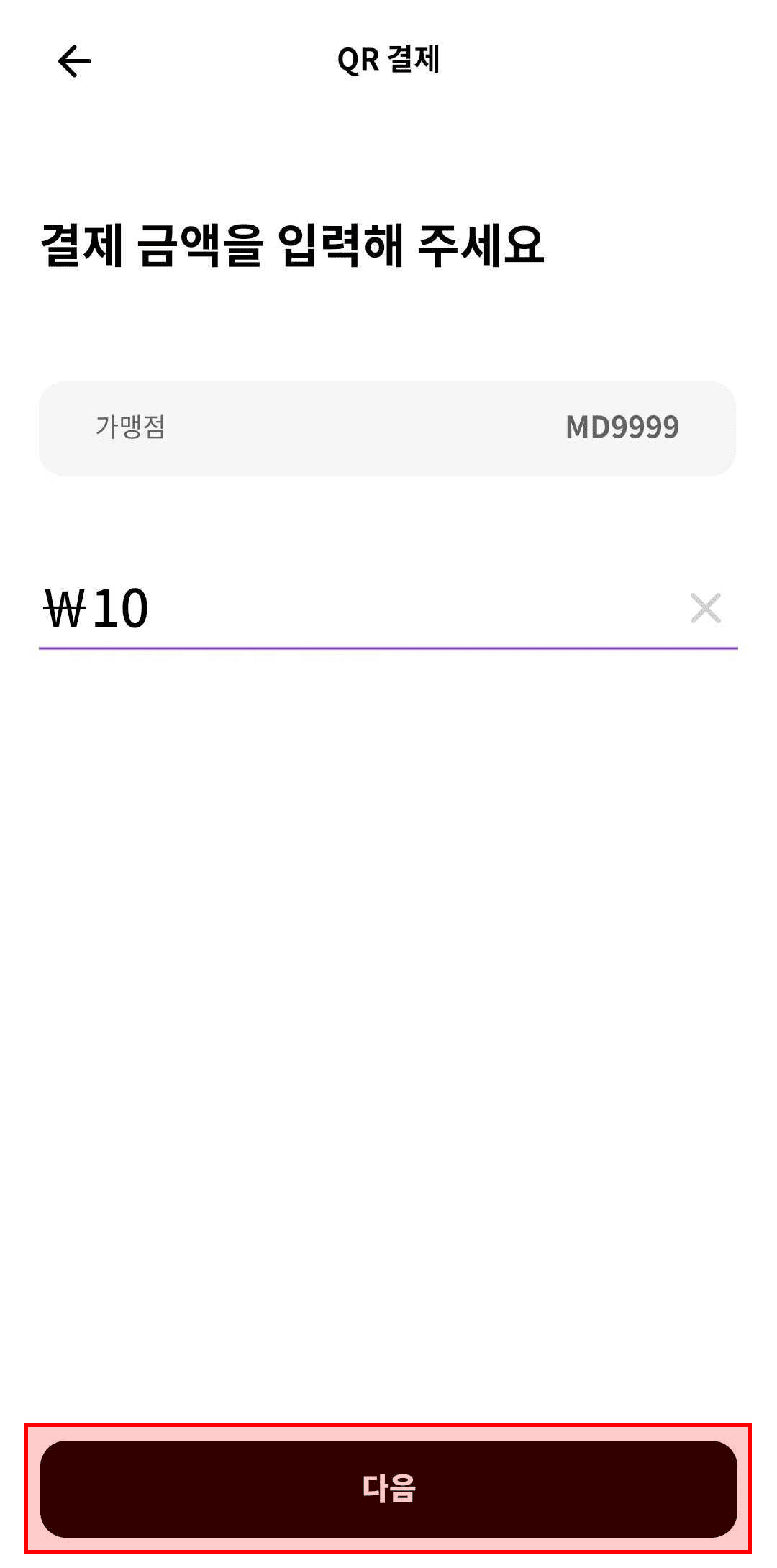
Check the merchant name, enter the amount to pay, then tap 'Next'.
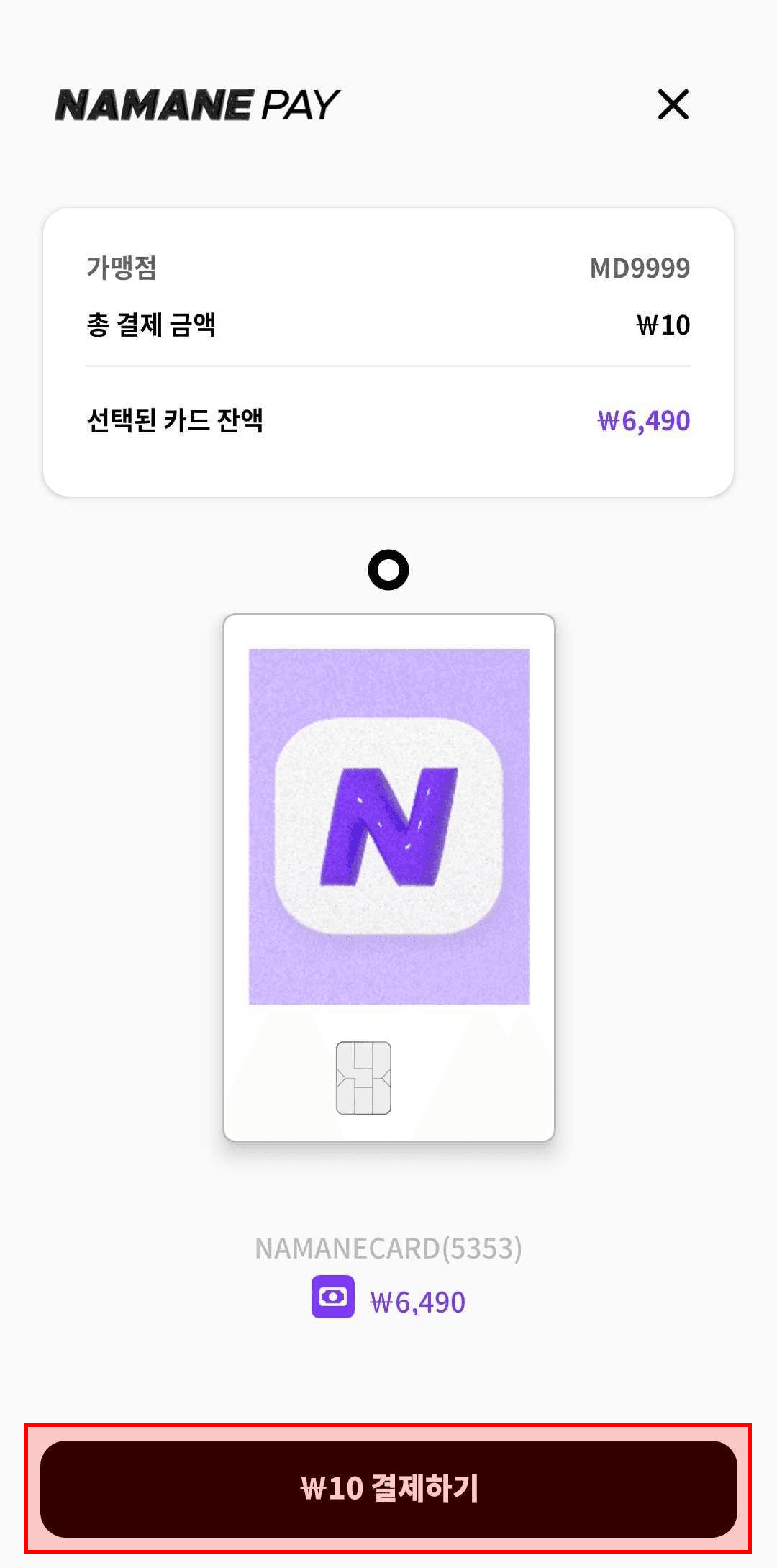
Select the card to pay with, then tap 'Pay'.
Check the merchant name and payment amount, then tap 'Pay'.
Enter your password to complete the payment.
Notes
- ※ NAMANE QR payment is only available at NAMANE partner merchants.
- ※ Card-payment QR payments are charged to your Pay balance.