
Top Up via Kiosk with Debit/Credit Card
NAMANE Kiosk > Select 'Top Up Card' > Choose 'Card' as the payment method to proceed.
- · Debit/Credit card top-up is available at the kiosk.
- · You can top up either your Pay Balance or Transit Balance with a card at the kiosk.
- · A certain fee is charged when topping up with a card.
[Older kiosk] Visit and select menu
Visit a NAMANE Kiosk, select 'Top Up Card', and insert your card into the 'Card Top-up' slot.
Select the top-up type ('Pay Balance Top-up' / 'Transit Card Top-up').
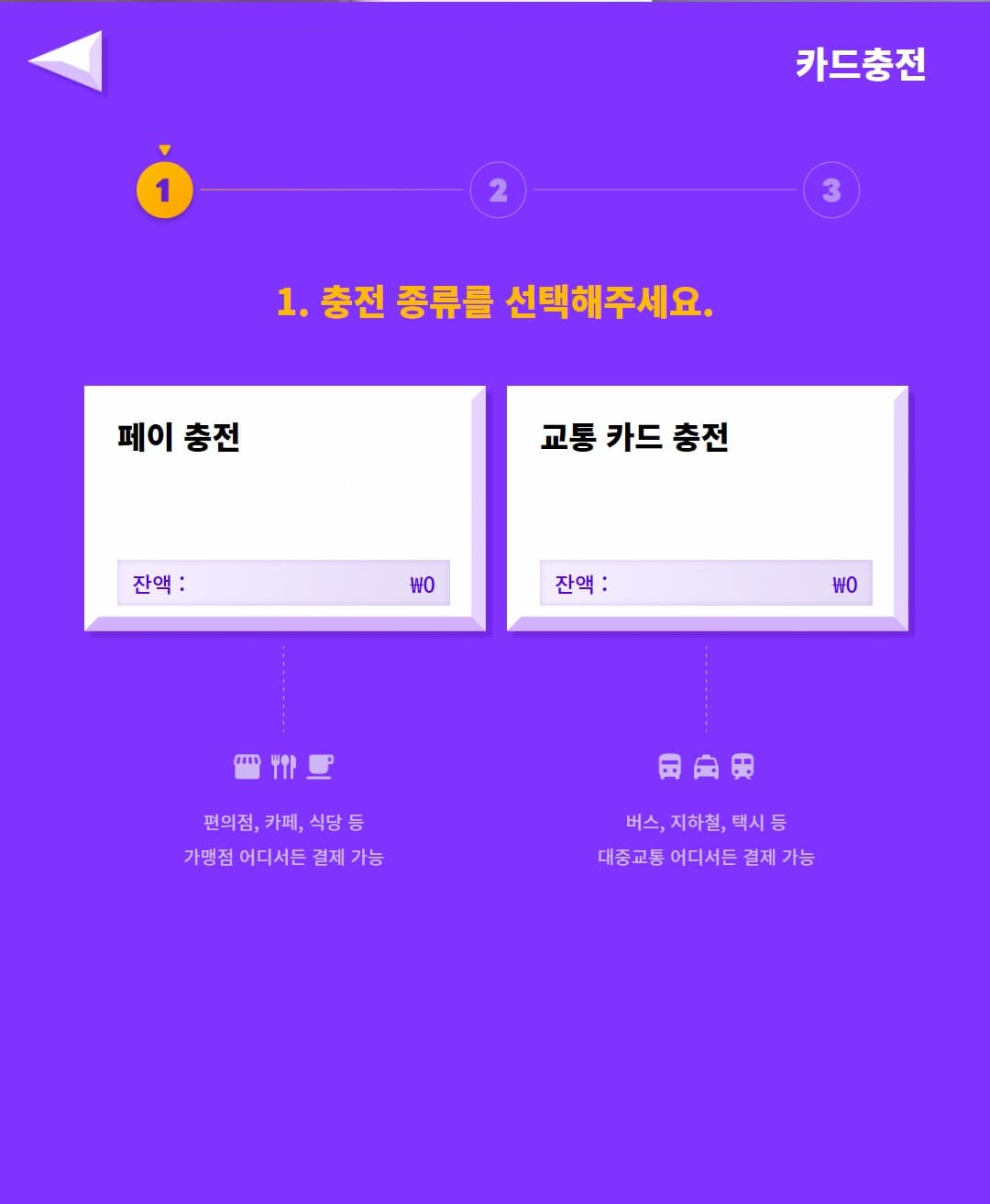
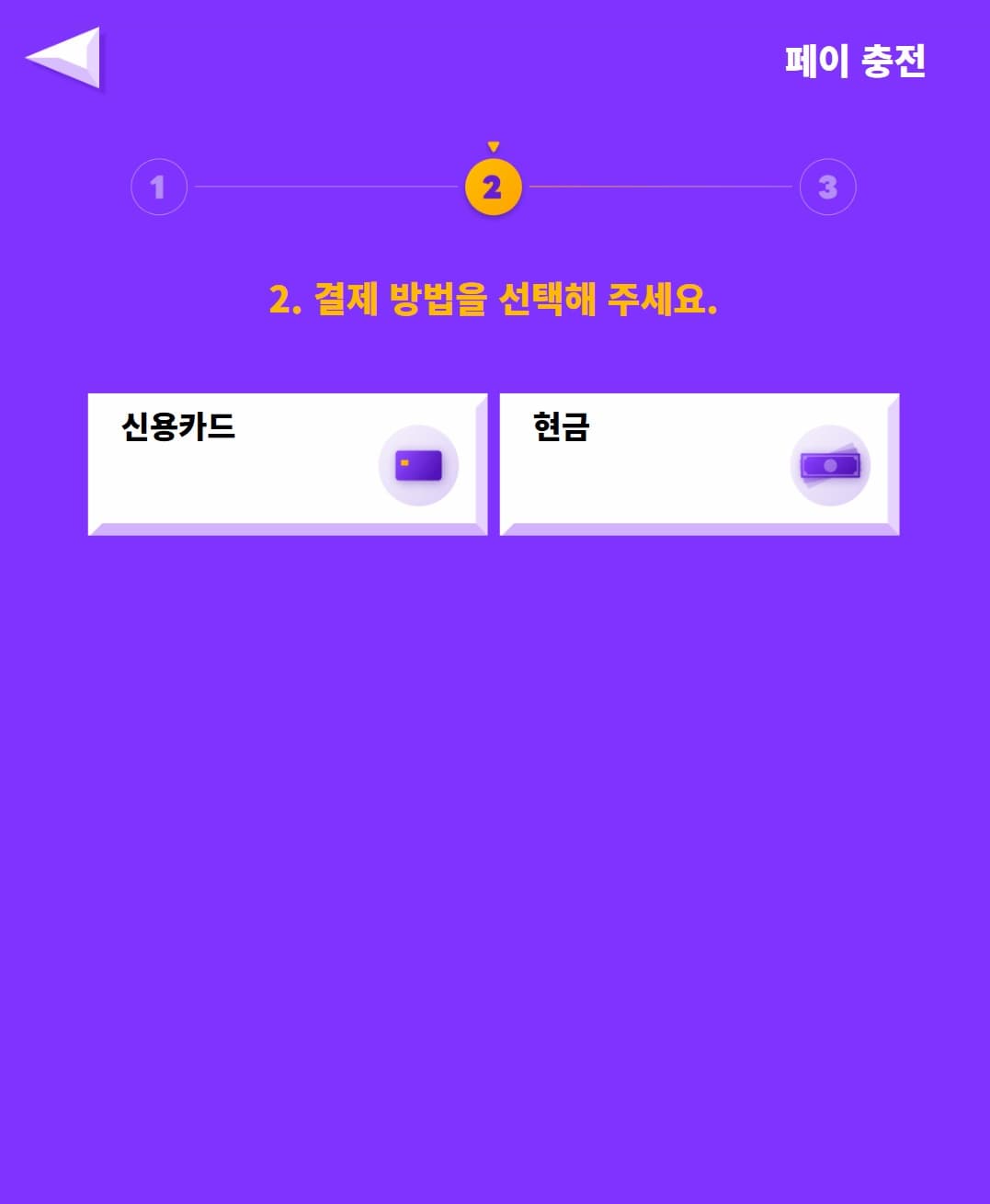
Select the payment method ('Credit Card' / 'Cash').
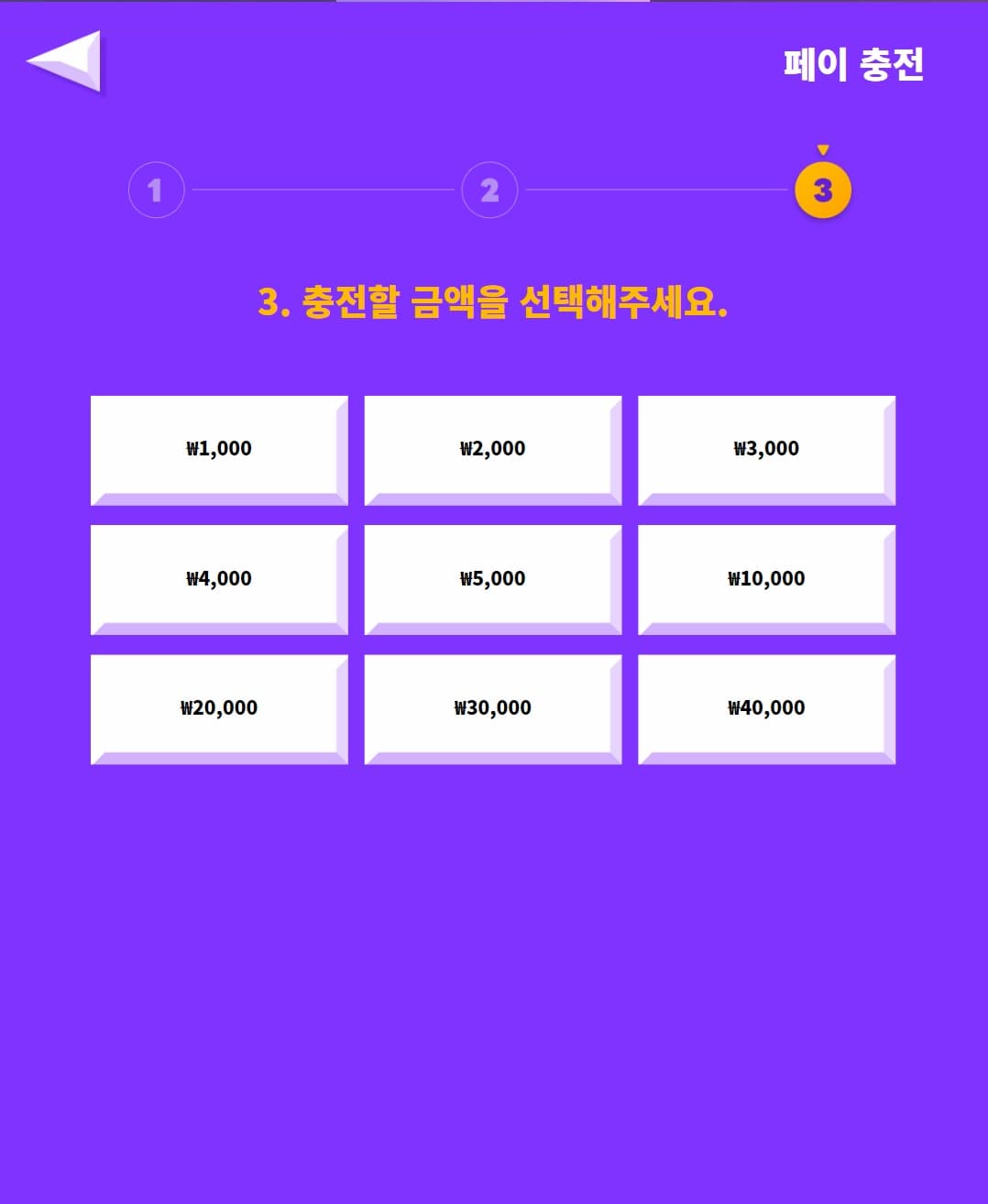
Select the amount to top up (₩1,000–₩40,000).
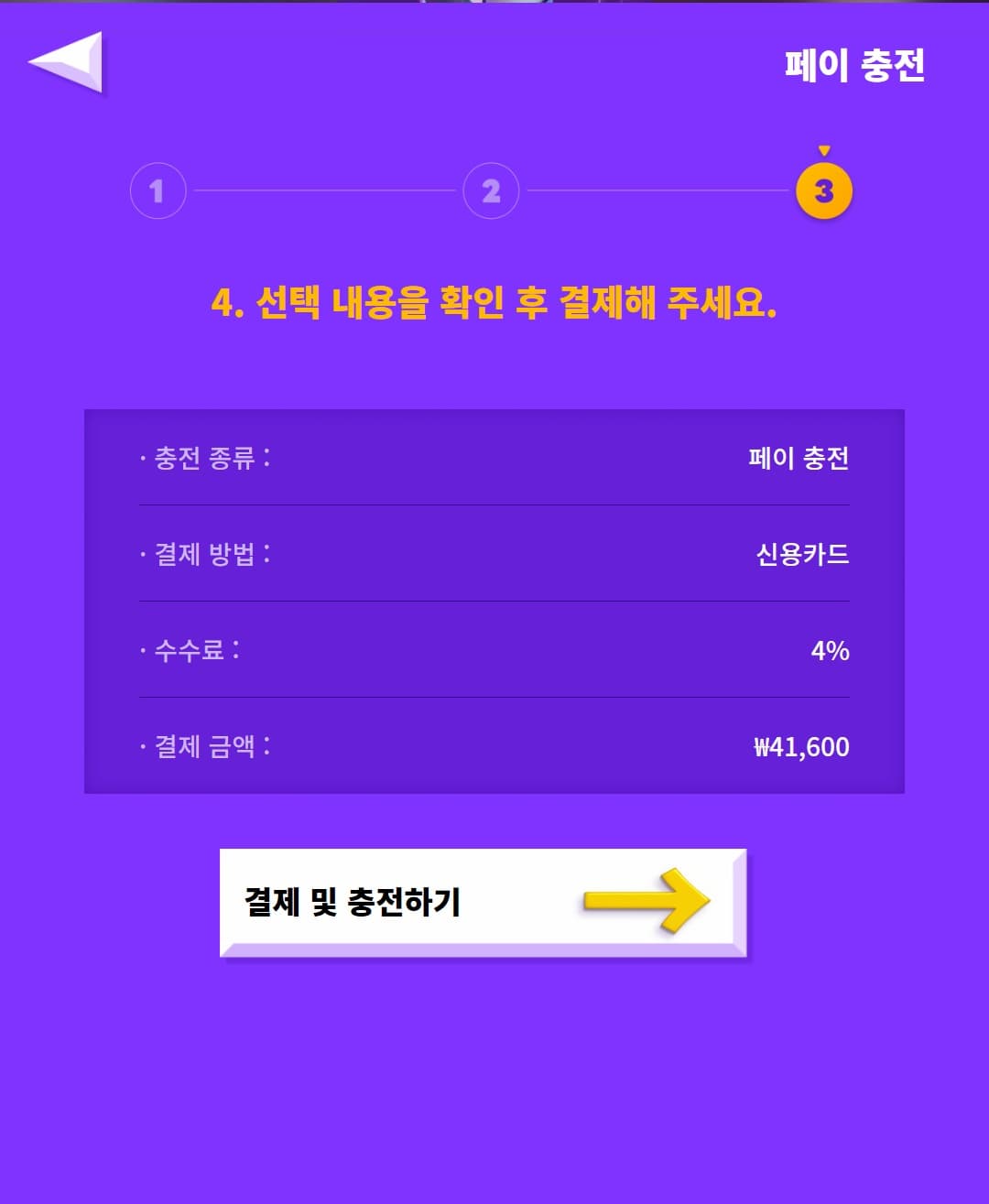
Check the top-up type, payment method, fee, and payment amount, then tap 'Pay & Charge'.
Following the on-screen instructions, insert your payment card into the card slot.
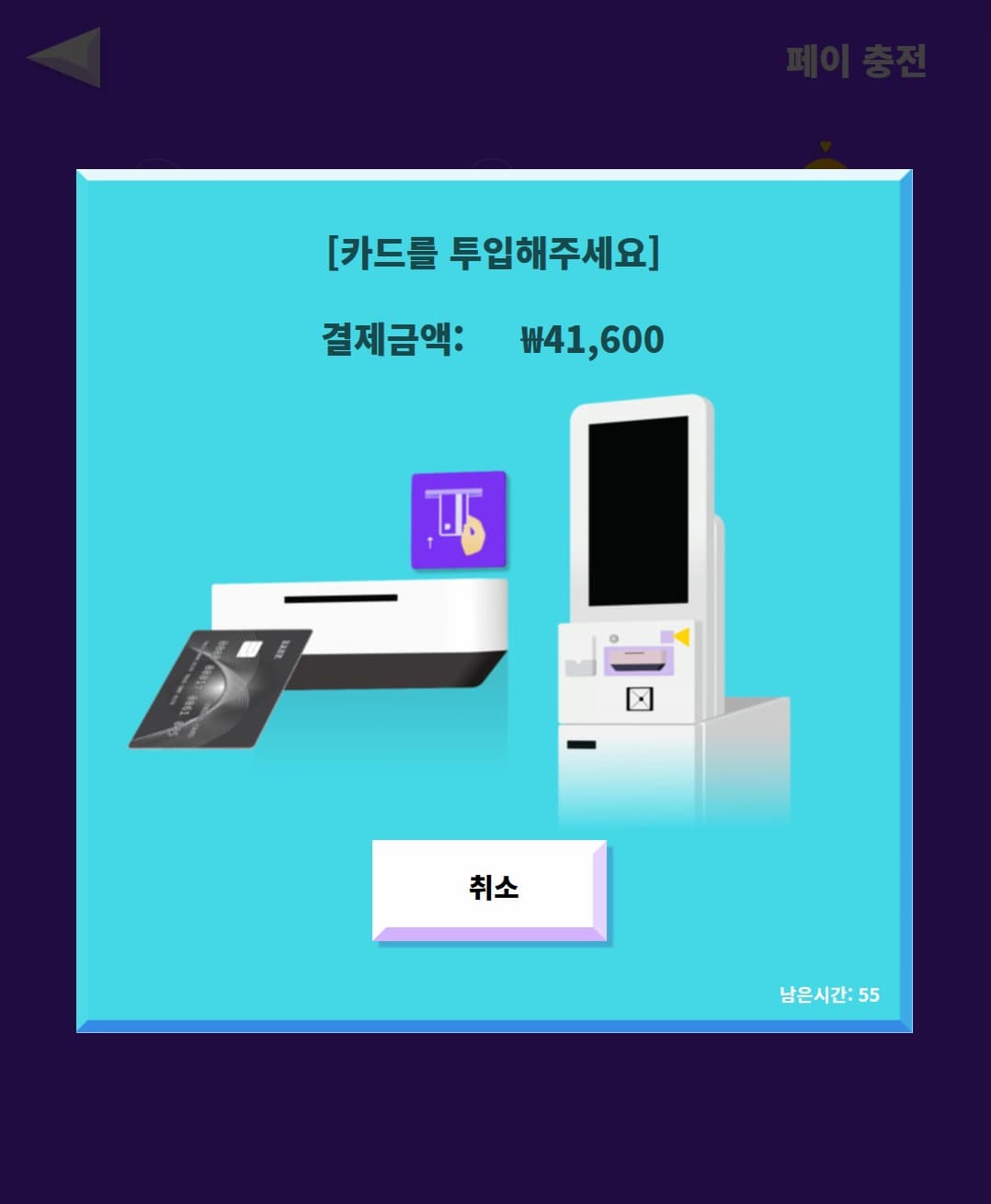
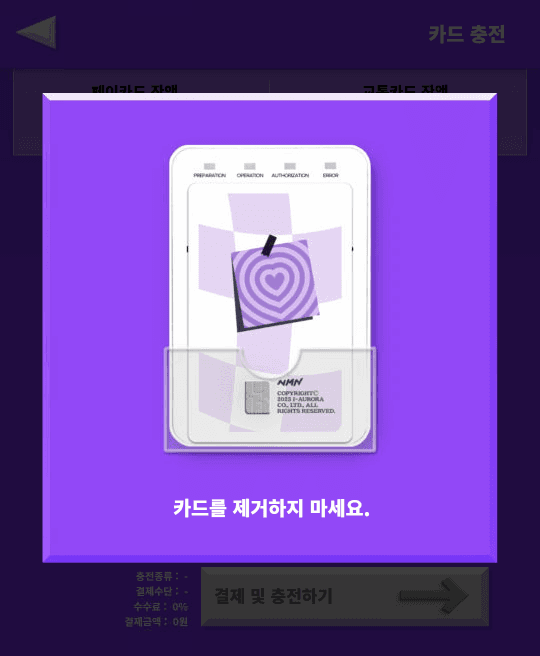
Do not remove your card while the payment is processing.
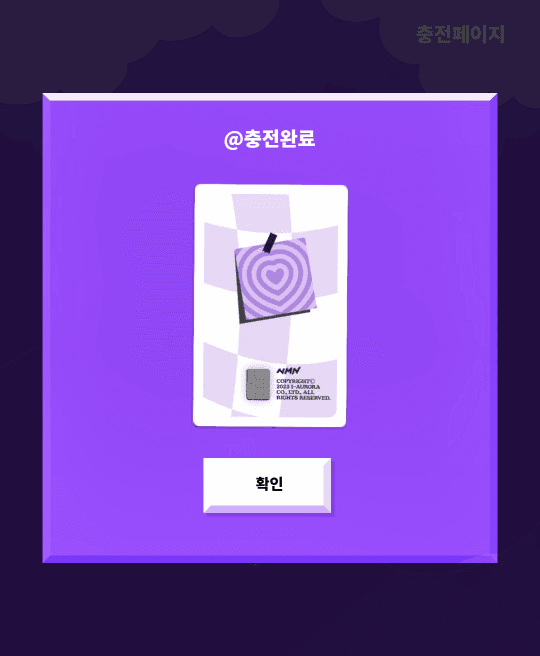
Top-up complete! Please remember to take your card.
[Newer kiosk] Select card top-up from the home menu
From the NAMANE home menu, select 'Top up NAMANE Card'.
![[Newer kiosk] Select card top-up from the home menu](/_next/image?url=%2Fimages%2Fservice-manual%2Fservice-manual-202%2Fnew-1-menu.png&w=3840&q=75)
Tap your NAMANE Card on the NFC reader to have it recognized. Do not remove your card while topping up.
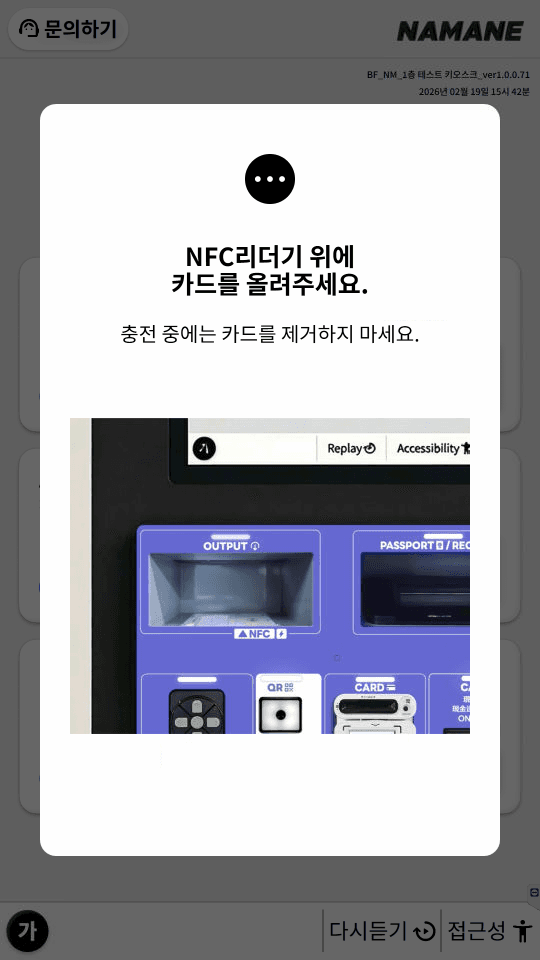
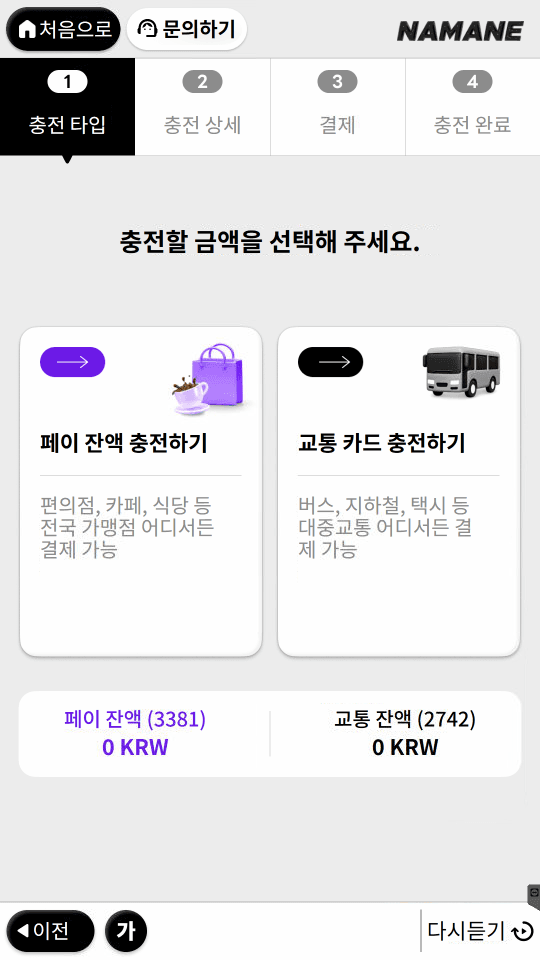
Select the balance to top up (Top up Pay Balance / Top up Transit Card).
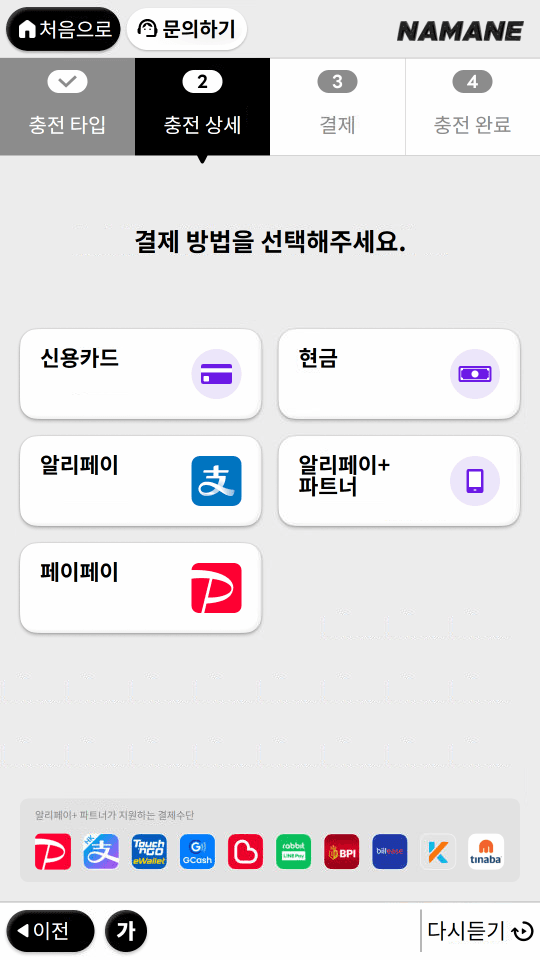
Select the payment method (Credit Card / Cash / Alipay / Alipay+ Partner / PayPay).
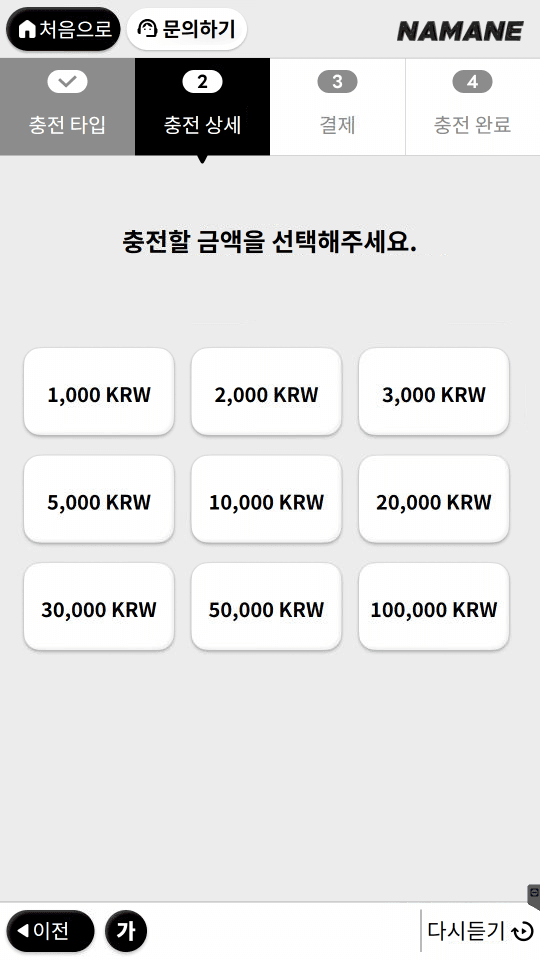
Select the amount to top up (1,000–100,000 KRW).
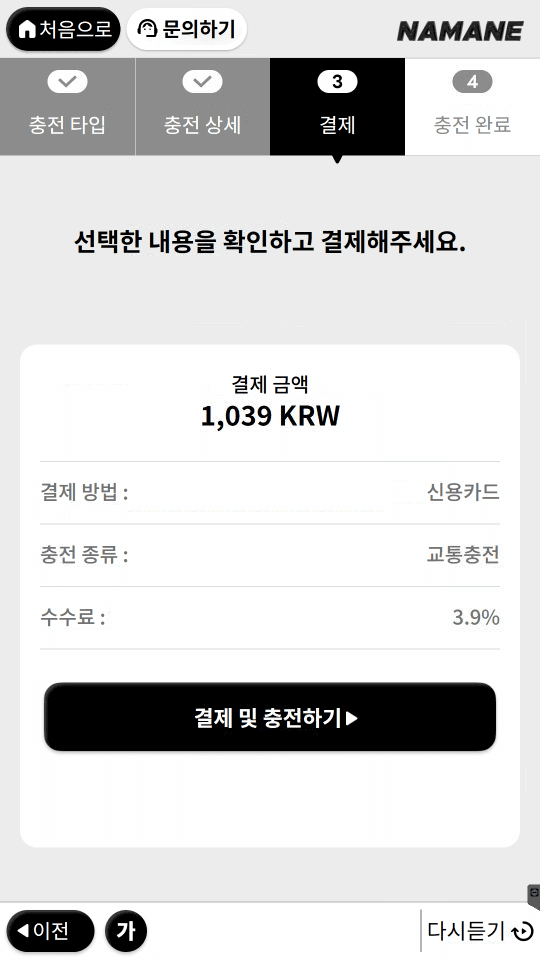
Check your selections (payment amount, payment method, top-up type, fee) and proceed to pay.
Insert your payment card into the card slot.
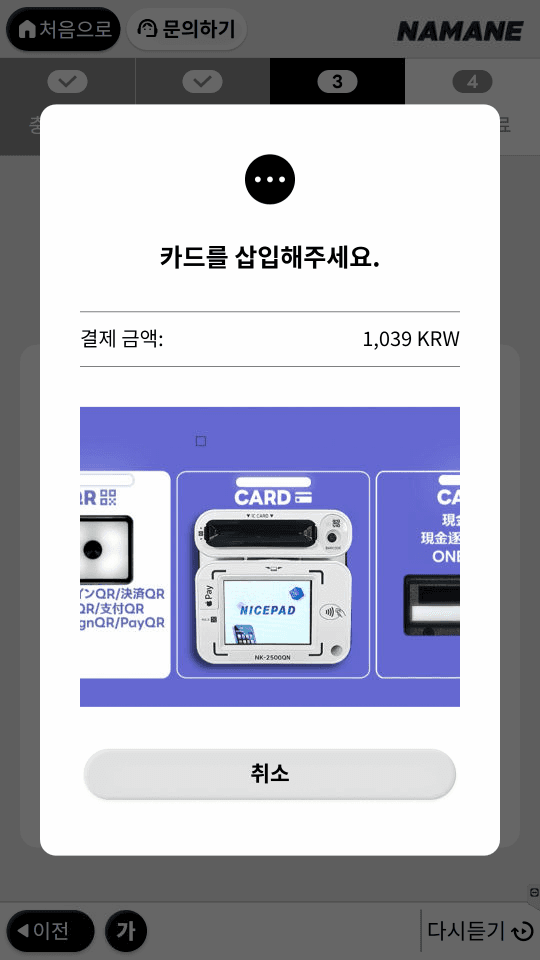
Remove your card and wait a moment.
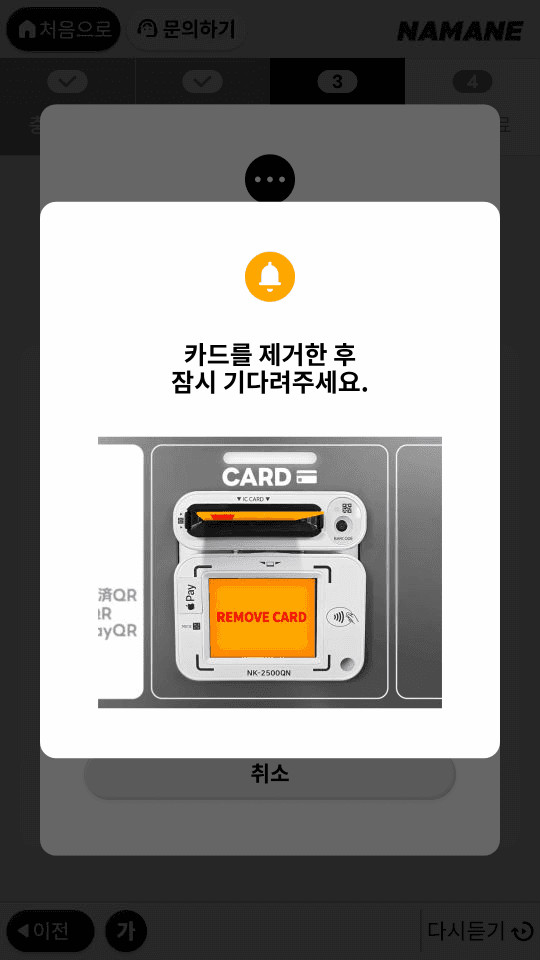
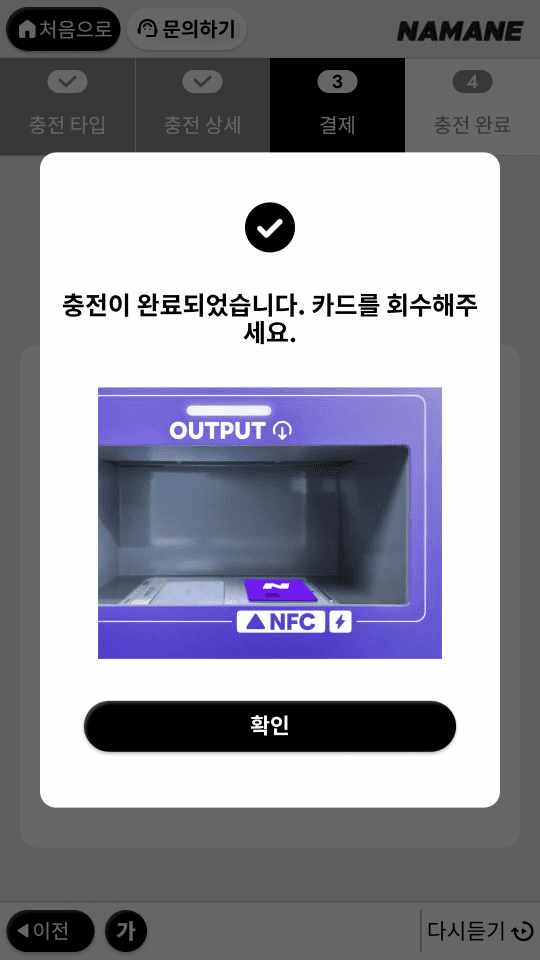
Top-up complete. Please collect your NAMANE Card from the NFC output slot.
Notes
- ※ NAMANE Kiosks can only top up your NAMANE Card's Pay Balance and Transit Balance.
- ※ A fee applies to card payments (e.g. 4% at older kiosks, 3.9% at newer kiosks — may vary by kiosk).
- ※ Do not remove your NAMANE Card until the top-up complete message appears on screen. This may cause an error.
- ※ Many customers leave their card behind after completing a top-up. Please remember to take your card.
- ※ Newer kiosks differ from older kiosks in available payment methods (Alipay, Alipay+ Partner, PayPay, etc.) and the maximum top-up amount (100,000 KRW).