
← Buy/Register
Register a Card in the App
Wallet > 'Register Card' > Enter Pay number > Register image (optional) > Registration complete
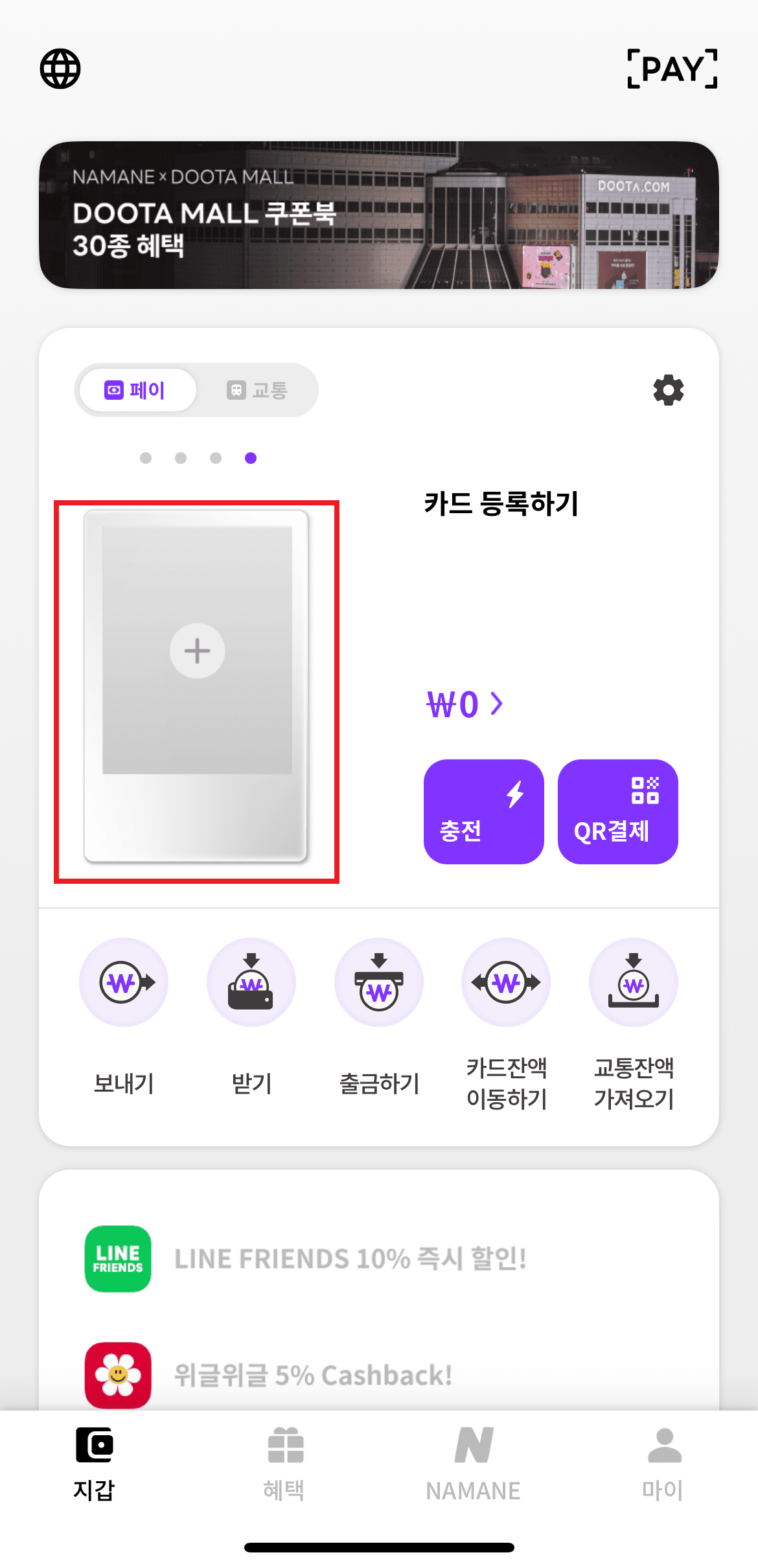
On the Wallet page, tap the '+' button in the card image area to start 'Register card'.
Scan the Pay number (PAY NO.) on the back of the card with the camera.
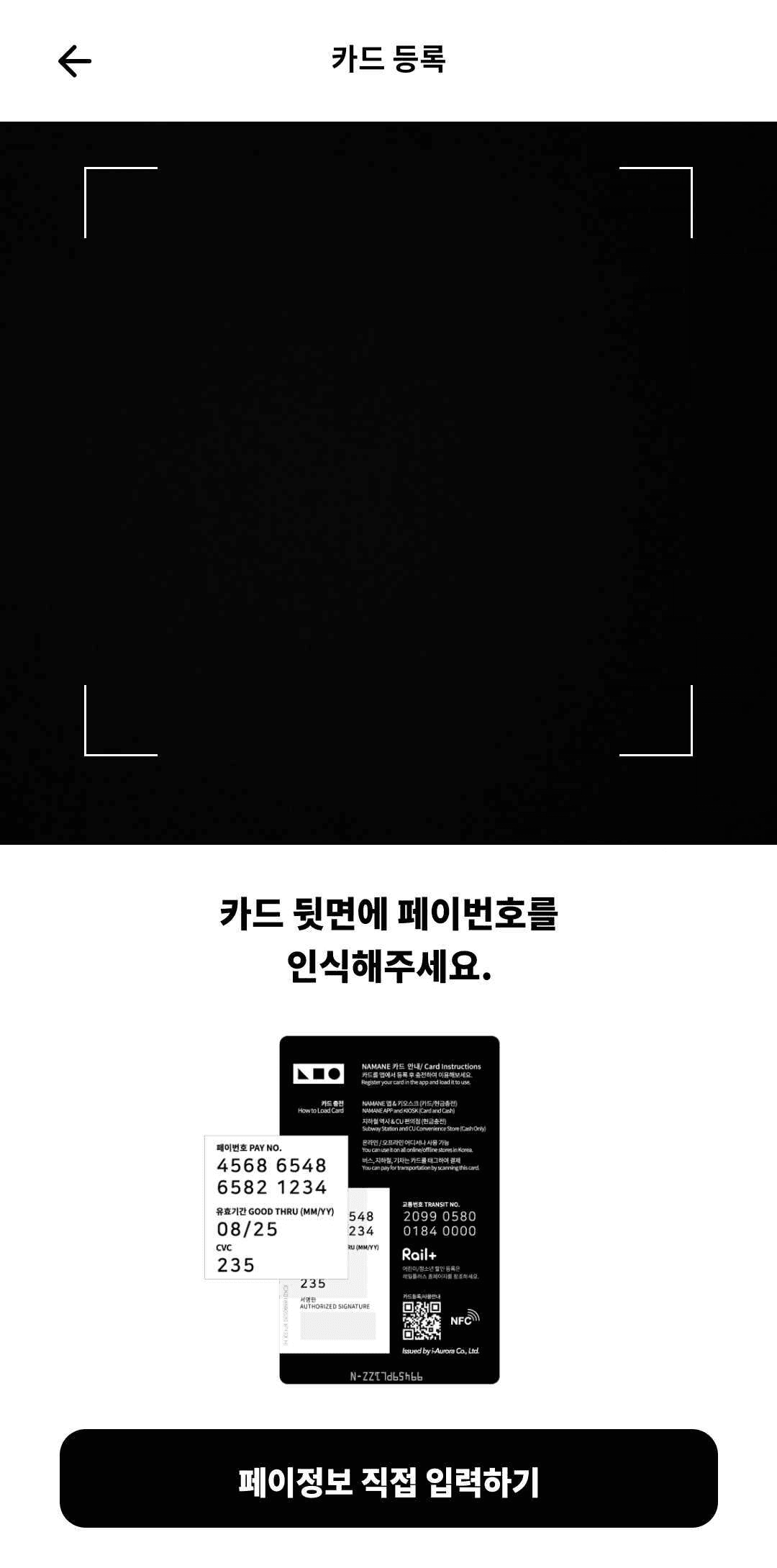
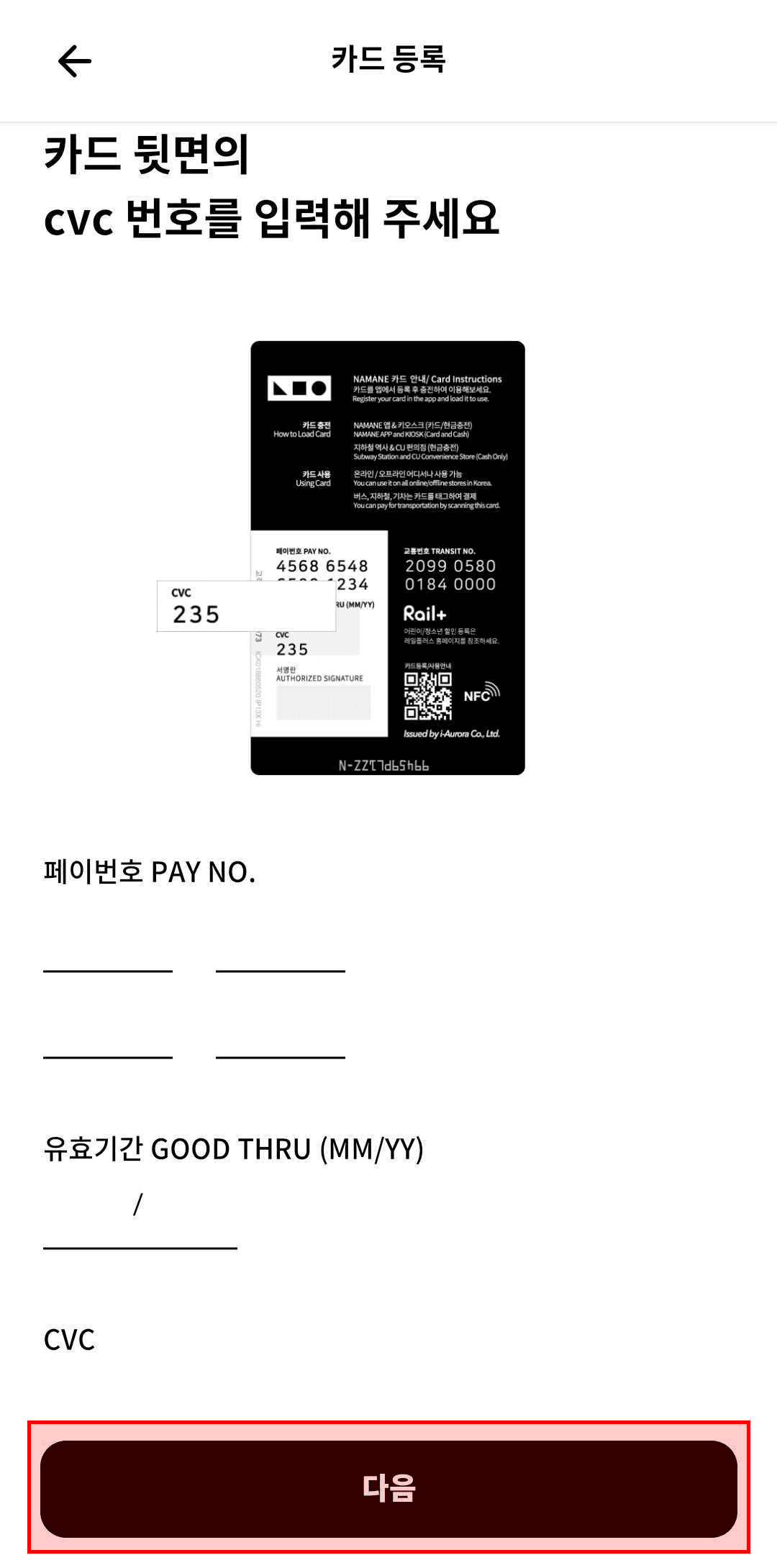
Scan the CVC number (or enter it manually). If automatic scanning doesn't work, use 'Enter Pay info manually' to type in the Pay number, expiry date, and CVC by hand.
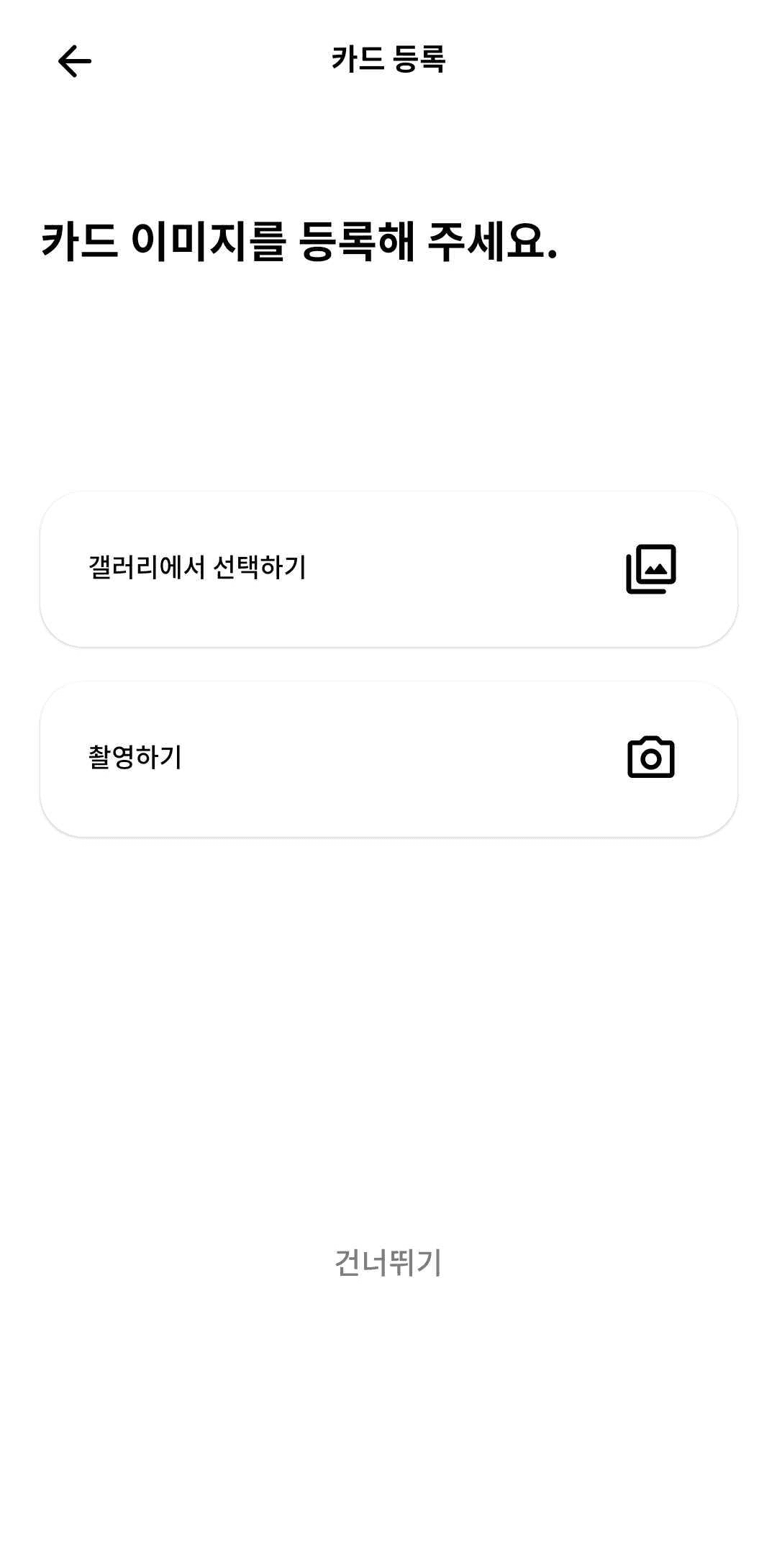
Register a card image — choose from the gallery, take a photo, or tap 'Skip' if you don't want to.
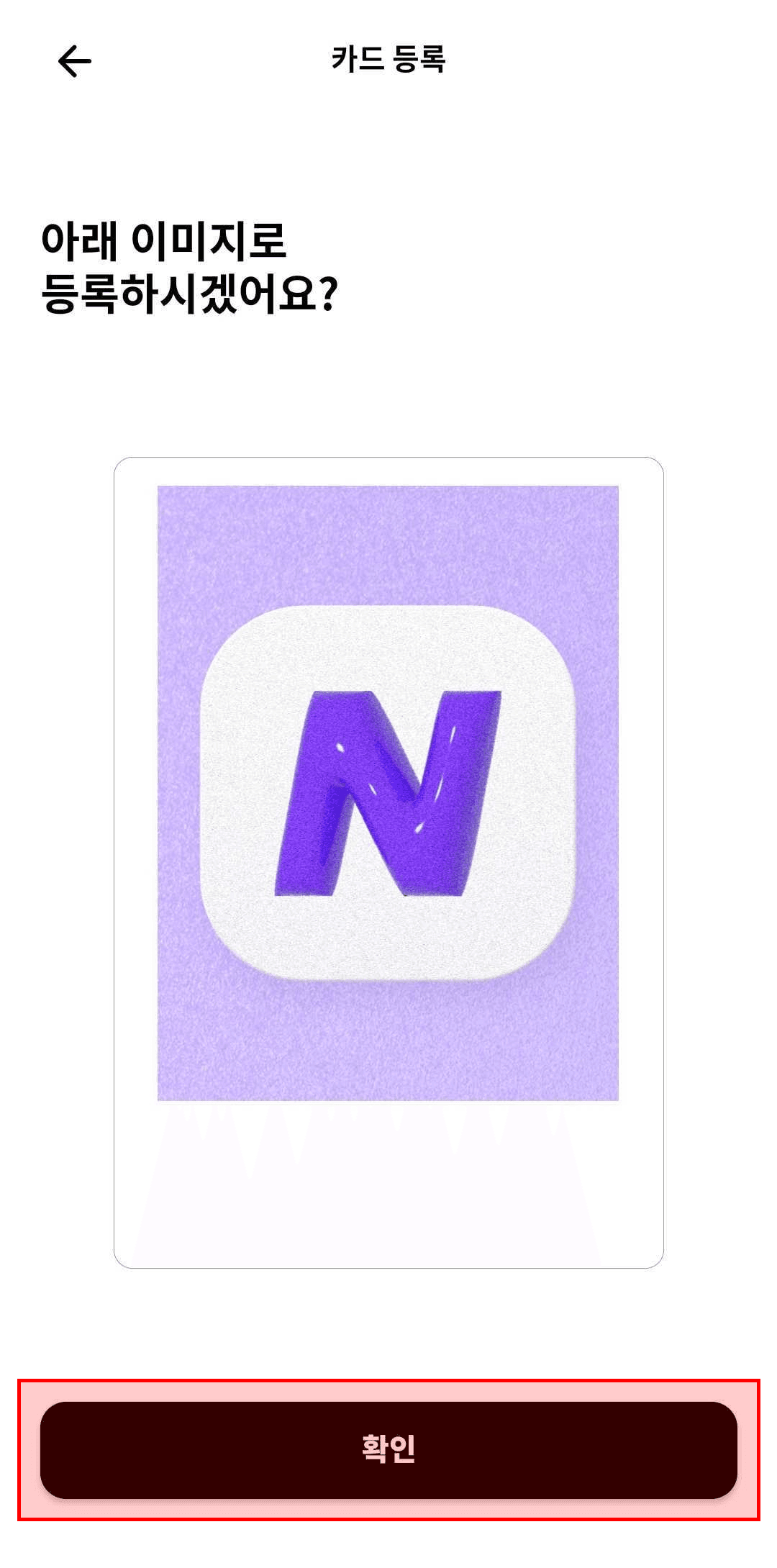
Review the image to register and tap Confirm — registration is complete and the card appears in your Wallet.
Notes
- ※ You can register up to 4 cards per account in the NAMANE app.
- ※ A card can only be registered using the Pay number (PAY. NO) — the Transit number (TRANSIT NO.) cannot be used to register a card.
- ※ A card already registered to another ID cannot be registered.