
Purchase Card at Kiosk
You can check kiosk locations via NAMANE App > NAMANE Menu > 'Kiosk Location'.
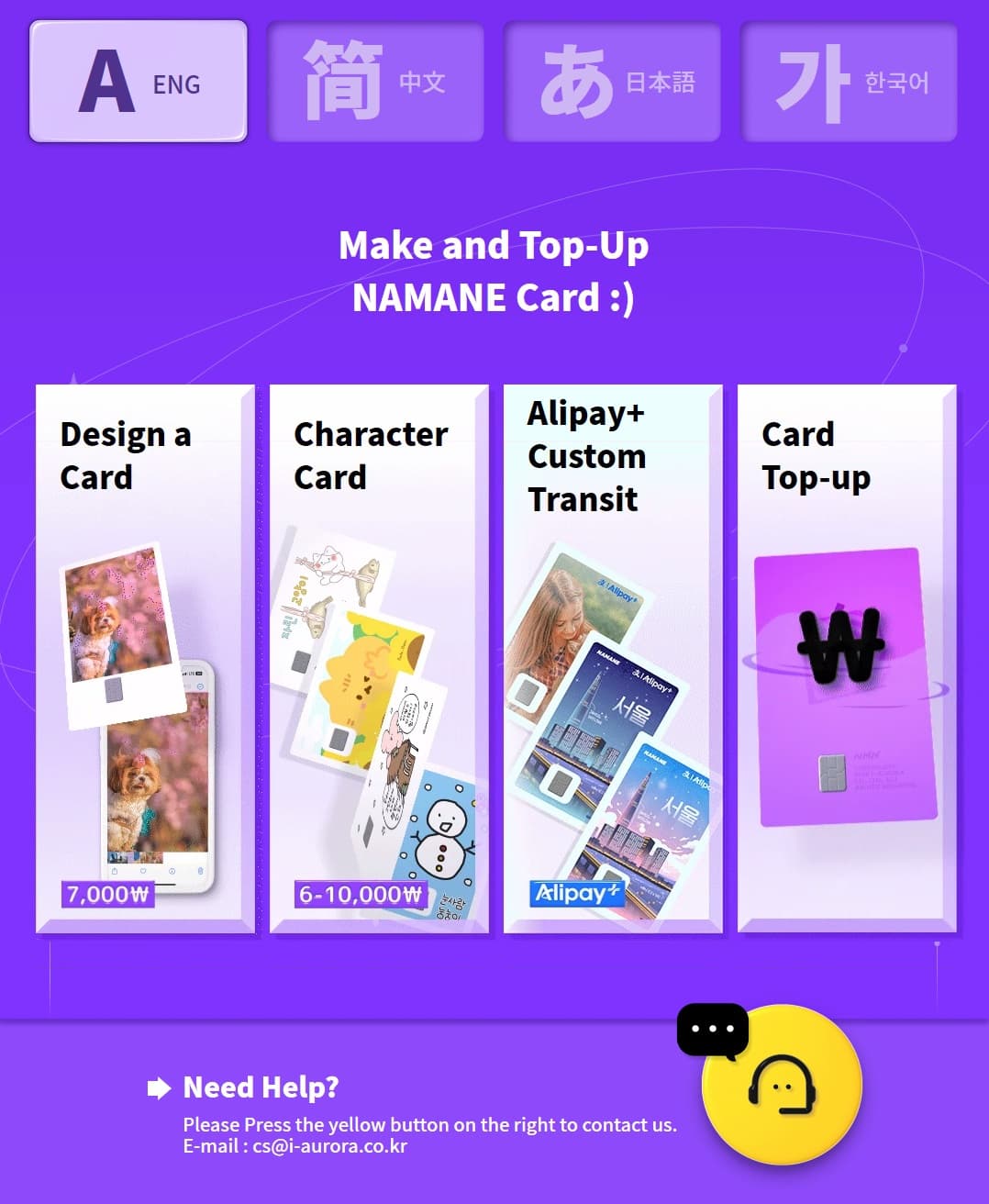
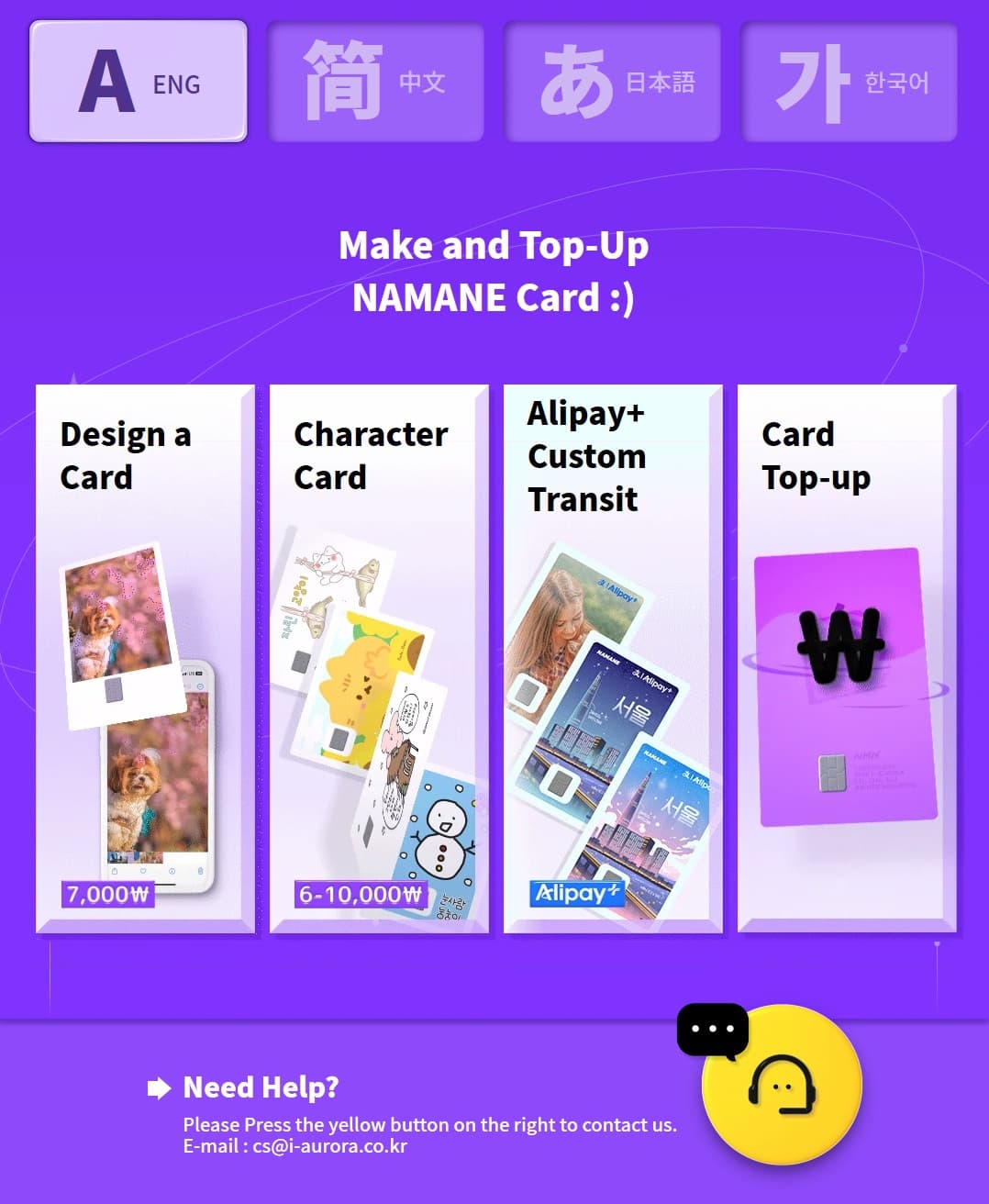
- · Tap 'Design a Card' to instantly purchase a NAMANE card with the image you want.
- · Tap 'Character Card' to choose and purchase from already-designed cards.
- · Card price is ₩7,000 (₩6,000–10,000 for character cards, varies by design). Cash and card payments accepted (no change given for cash payments).
Old Kiosk — Design Your Own Card (₩7,000)
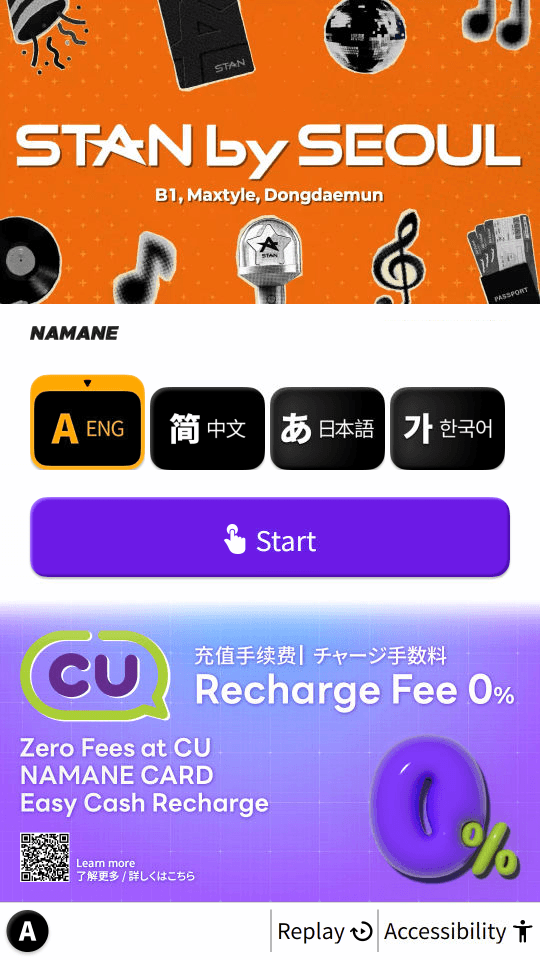
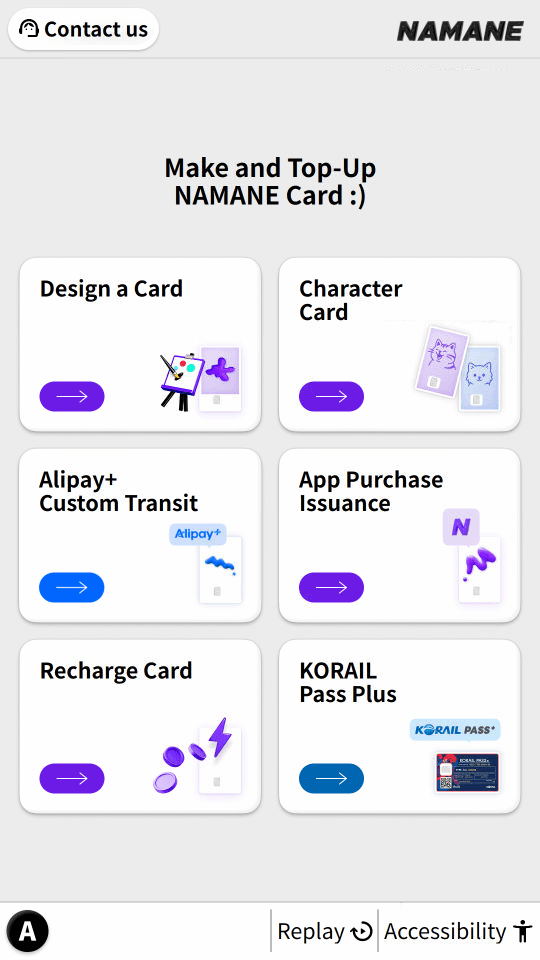
On the NAMANE Kiosk's language selection screen, select 'Design a Card'. From the same screen you can also choose 'Character Card', 'Alipay+ Custom Transit', or 'Top Up NAMANE Card'.
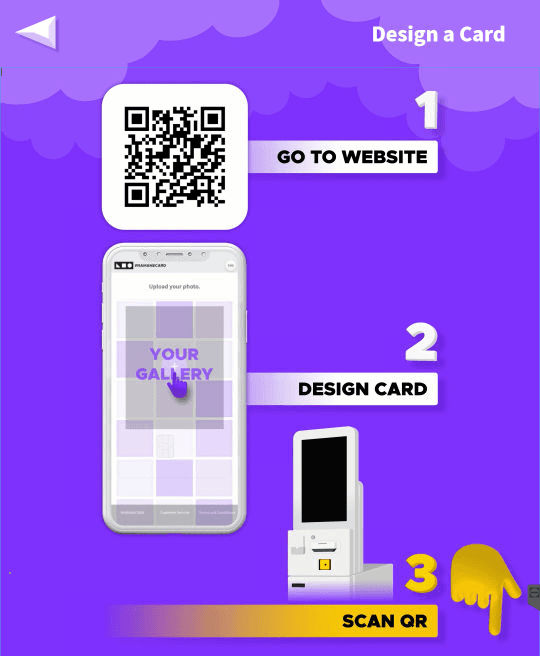
Scan the QR code shown on screen with your phone to open the card design website, then freely design the front of the card with the photo and text you want (1. GO TO WEBSITE → 2. DESIGN CARD → 3. SCAN QR).
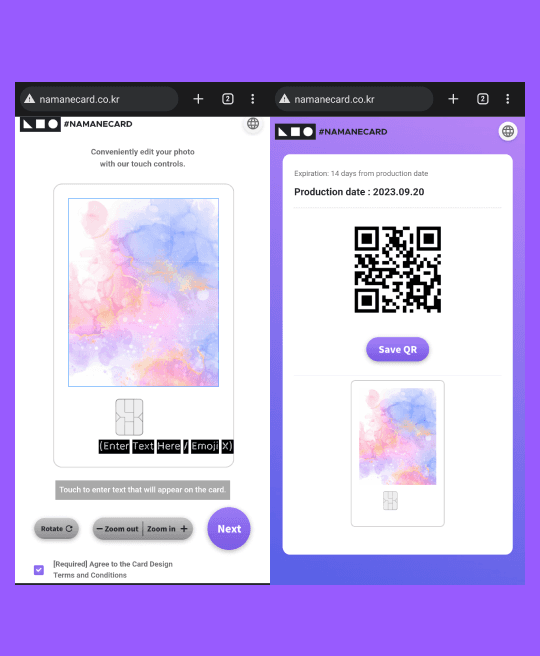
On the actual screen you adjust the photo’s position/size by touch, enter your text/emoji, then tap "Next" to generate a QR code (valid for 2 weeks). Once your design is ready, scan the generated QR code at the kiosk’s QR scanner at the bottom.
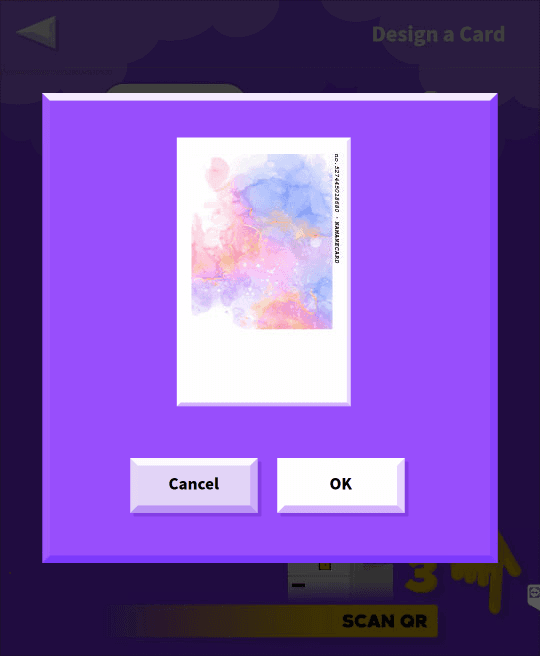
After scanning the QR code, check the confirmation pop-up to make sure your uploaded image fits the card correctly.
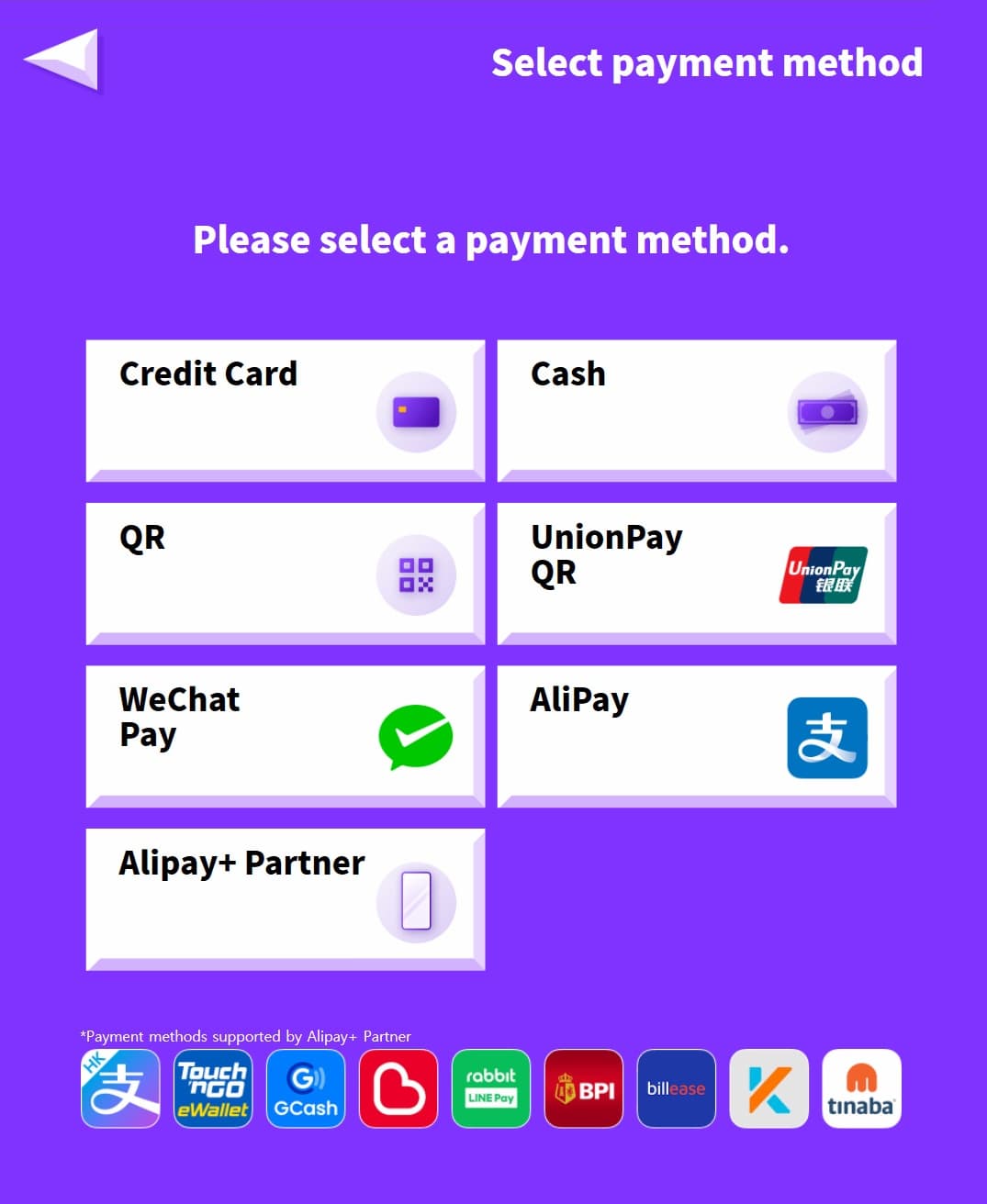
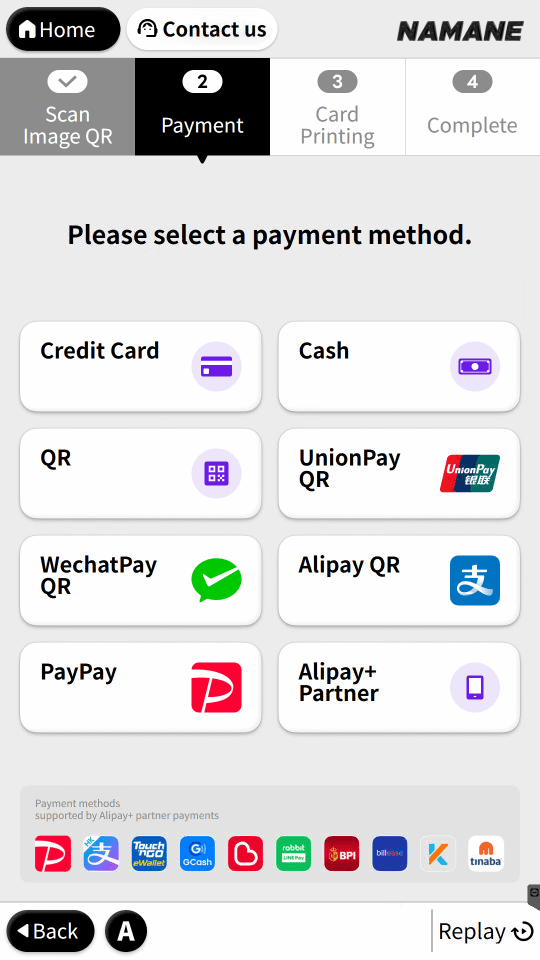
Select a payment method (credit card, cash, QR, UnionPay QR, WeChat Pay, AliPay, Alipay+ Partner, etc.). If paying with cash, please insert the exact amount, as change will not be returned.
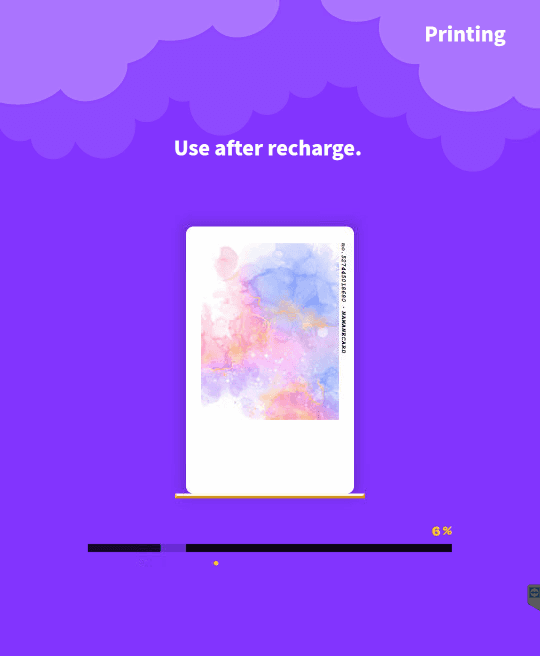
Progress is shown while your card is being printed. (Top up the card before use — children/teens must register on the Railplus website to get the transit fare discount.)
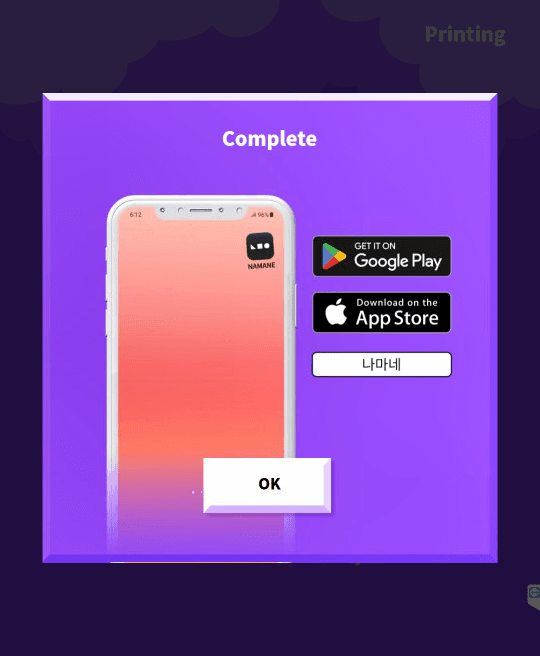
Once printing is complete, follow the on-screen instructions to collect your card from the OUTPUT slot at the bottom of the kiosk. A NAMANE app download link is also shown.
Old Kiosk — Character Card (₩6,000–10,000, varies by design)
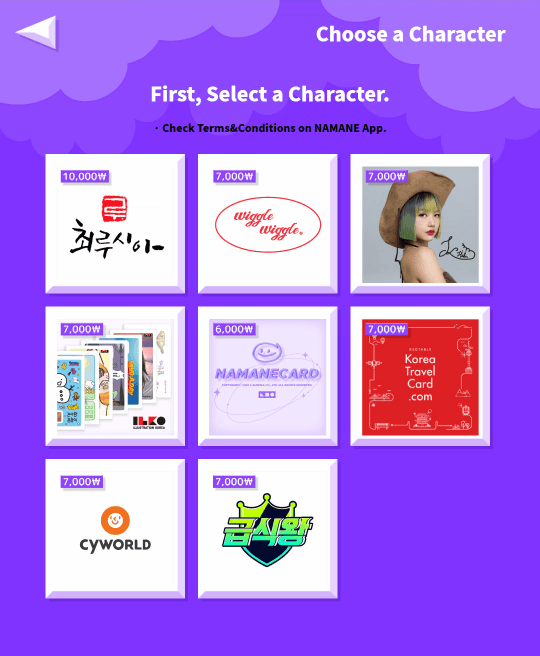
From the main menu, selecting 'Character Card' first lets you choose a character/brand collaboration (Choirusii, Wiggle Wiggle, ILEO, NAMANECARD, Korea Travel Card, Cyworld, Geupsikwang, etc.).
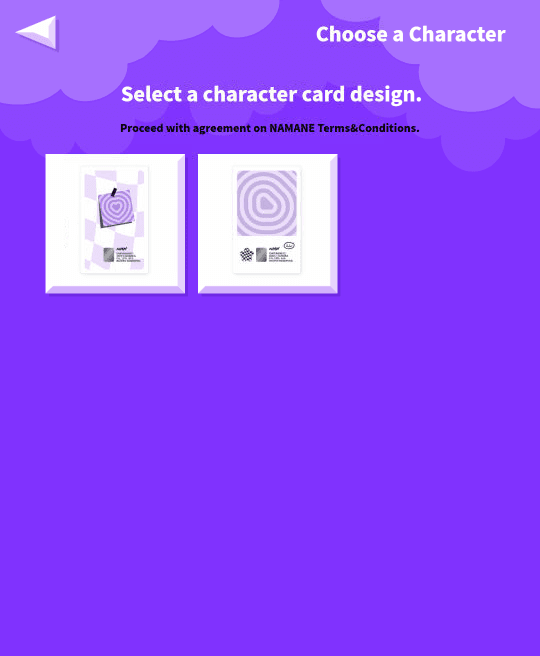
Within the chosen collaboration, pick the specific card design you want to print.
Check your selected card design in the confirmation pop-up. From here, payment, printing, and pickup are the same as for the custom card (select payment method → wait for printing → collect card).
New Kiosk (NFC / Digital Menu)
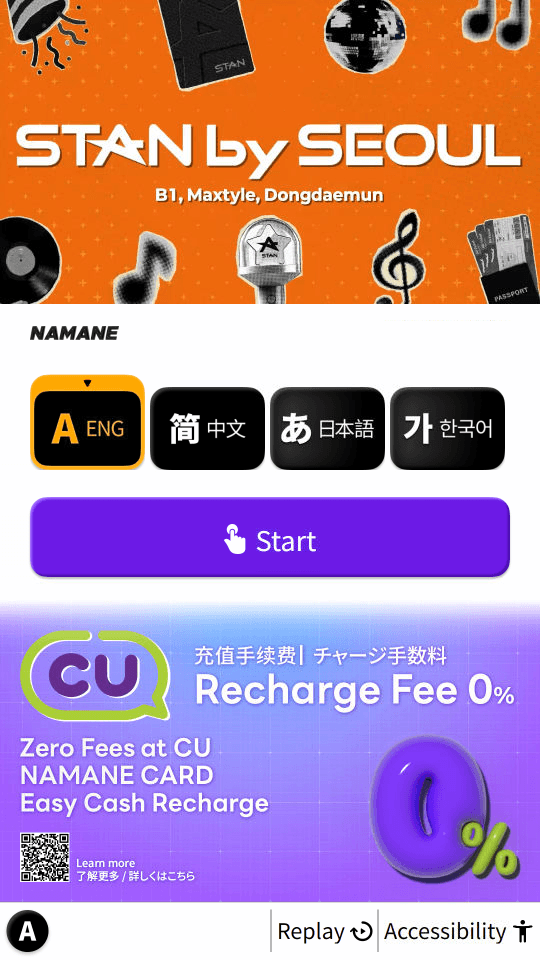
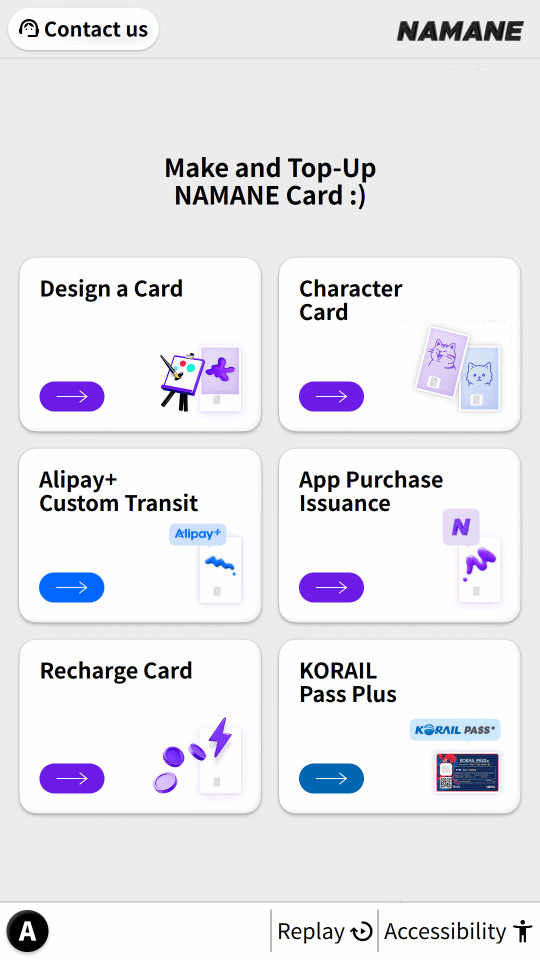
On the new kiosk, after selecting your language and tapping 'Start', 6 menus appear (Design Your Own Card / Buy Character Card / Alipay+ Custom Transit / Issue App-Purchased Card / Top Up NAMANE Card / KORAIL Pass). A step progress bar (1. Scan Image QR → 2. Payment → 3. Print Card → 4. Complete) is shown at the top of the screen.
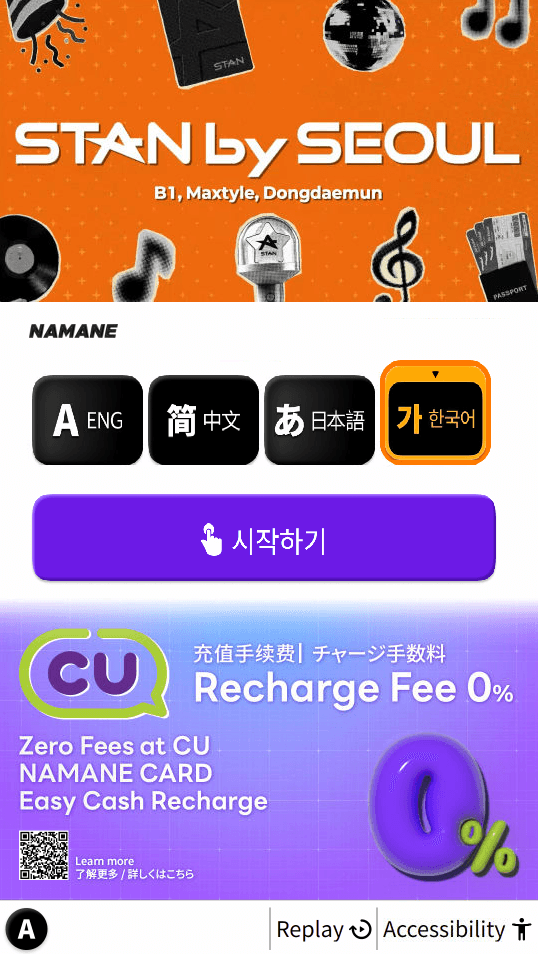
Select 'Design Your Own Card' or 'Buy Character Card'.
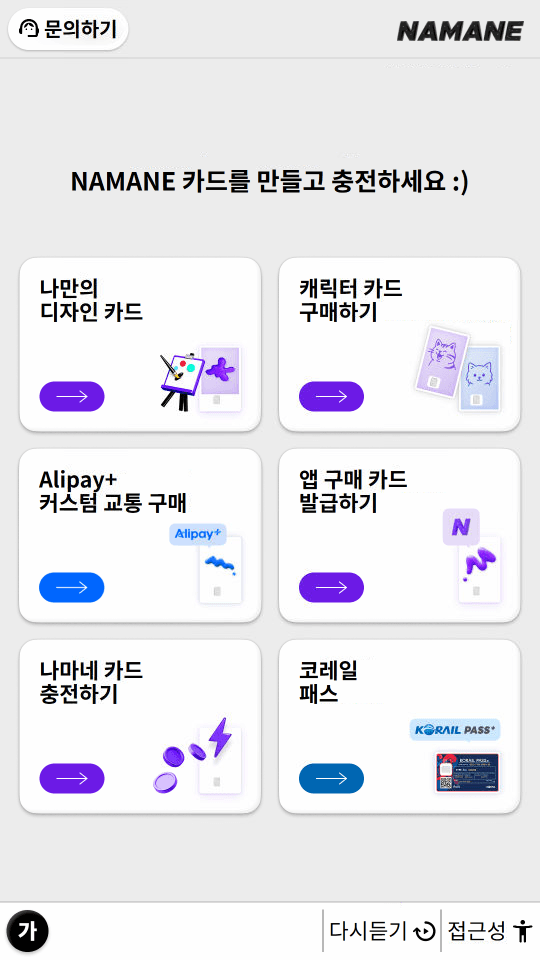
New Kiosk — Design Your Own Card
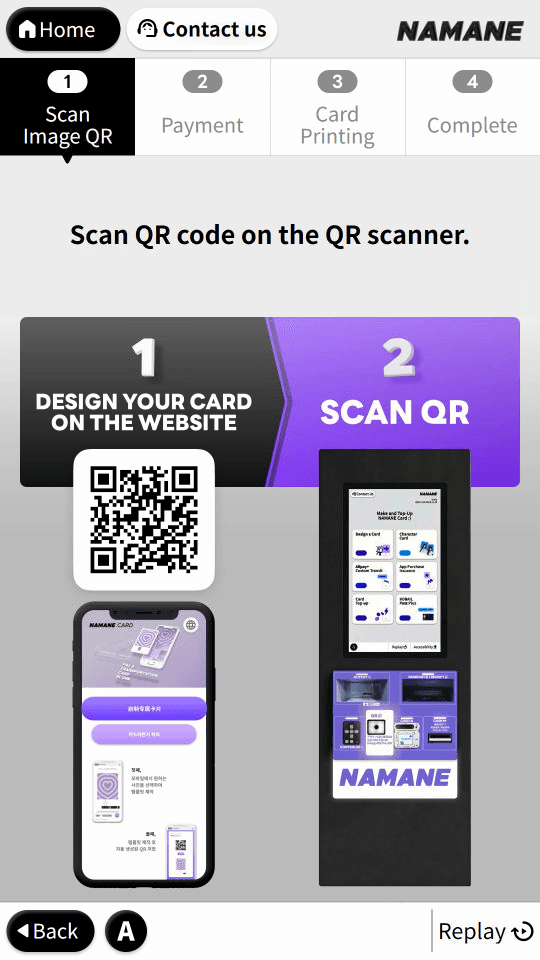
Step 1 (Scan Image QR): Access the card design website via QR code, edit your photo, then scan the generated QR code at the kiosk scanner.
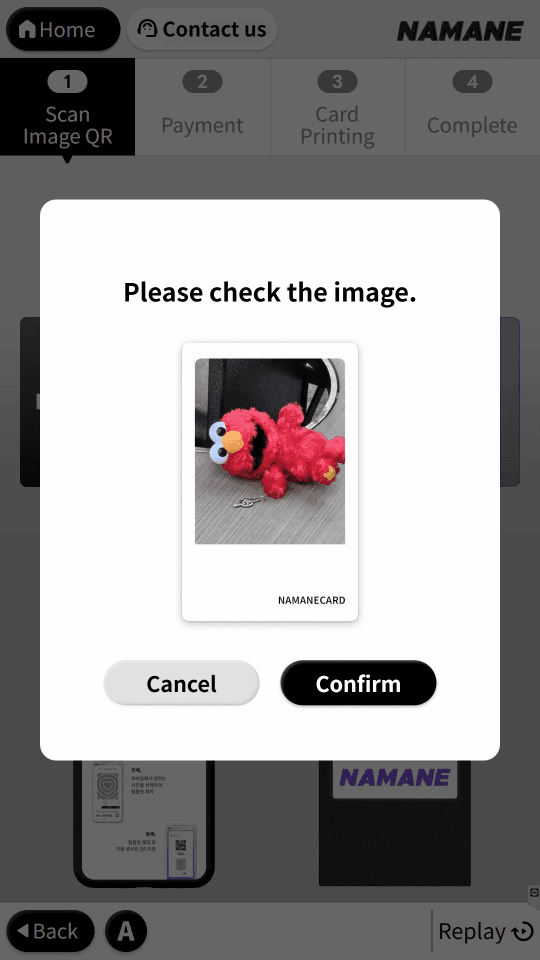
Check your uploaded image in the confirmation pop-up.
Step 2 (Payment): Choose a payment method — credit card, cash, QR, UnionPay QR, WeChat Pay QR, Alipay QR, PayPay, or Alipay+ Partner.
Step 3 (Print Card): Your card is printed at the OUTPUT slot (NFC recognition slot) at the bottom of the kiosk. Don't forget to collect it.
Step 4 (Complete): A "Card printing complete" message is shown.
New Kiosk — Buy Character Card
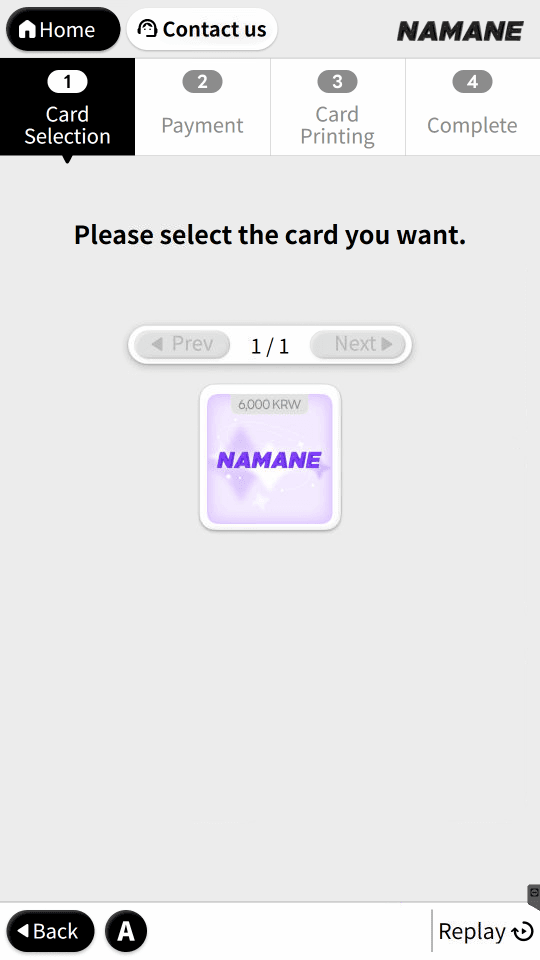
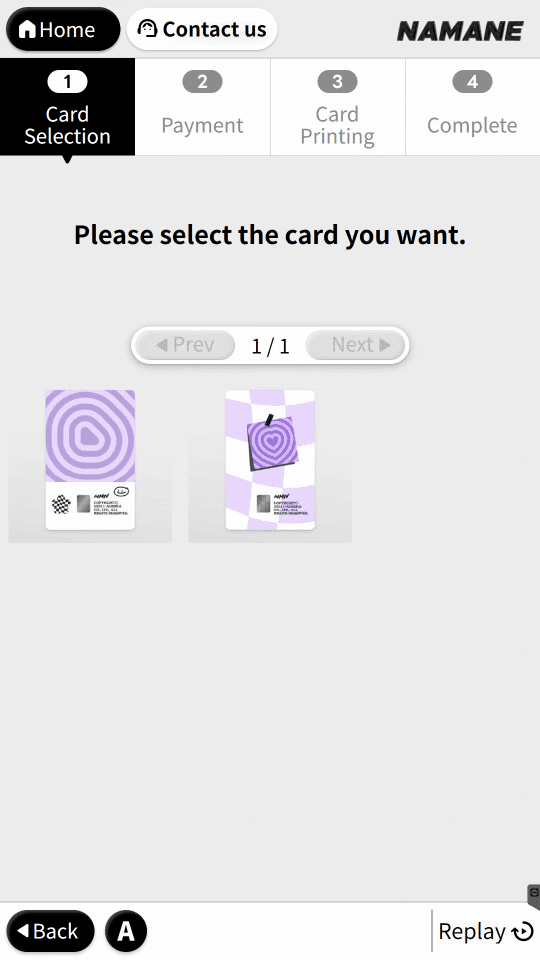
Step 1 (Select Card): Choose your desired collection from the carousel of collaboration cards.
Within the chosen collection, pick the specific card design.
Check your selected design in the confirmation pop-up. Payment (step 2) and card printing (step 3) use the same screens as the custom card.
Step 4 (Complete): A "Card issuance complete. Please collect your card" message is shown.
Notes
- ※ Change is not given for cash payments — please insert the exact amount.
- ※ Cards issued overseas can also be used for payment (Visa, Mastercard, and JCB are all accepted).
- ※ The QR code generated after designing your card is valid for 2 weeks.
- ※ Top up the card before use. Children and teens must register on the Railplus website to receive the transit fare discount.
- ※ Both the older (card-slot) kiosk and the newer (NFC/digital menu) kiosk are in use at different locations, with different screen designs and step order (the new type can be identified by the step progress bar at the top).
- ※ The new kiosk also has "Alipay+ Custom Transit", "Issue App-Purchased Card", and "KORAIL Pass" menus, but the detailed screens for those menus are not covered separately on this manual page.