
How to use Alipay+
Top up your NAMANE card and pay at Alipay+ merchants around the world. Available in 56 countries/regions across Asia, Europe, the Americas and more (excluding Korea).
Before you pay
To use Alipay+ payments, you need the following 3 things.
1. Sign up as a Verified Member. Alipay+ payments are available only with cards of Verified Members who have completed identity verification. Are you an Easy Member? Upgrade to a Verified Member in the app and start using Alipay+ payments right away. Foreign customers verify with a passport + selfie; Korean residents verify with a Korean ID + ₩1 bank account verification. When you upgrade, cards registered to your account automatically become registered (named) cards.
2. Register your NAMANE card in the app. Register the card you'll use for payment in the app. You can register up to 4 cards per account.
3. Top up the Pay balance of the card you'll use. Payments are deducted from the balance of the selected card. The local payment currency is converted into Korean won (KRW) when deducted.
How to pay
Pay in one of two ways, depending on the merchant. You can switch between them with one tap on the payment screen.
Scan store QR
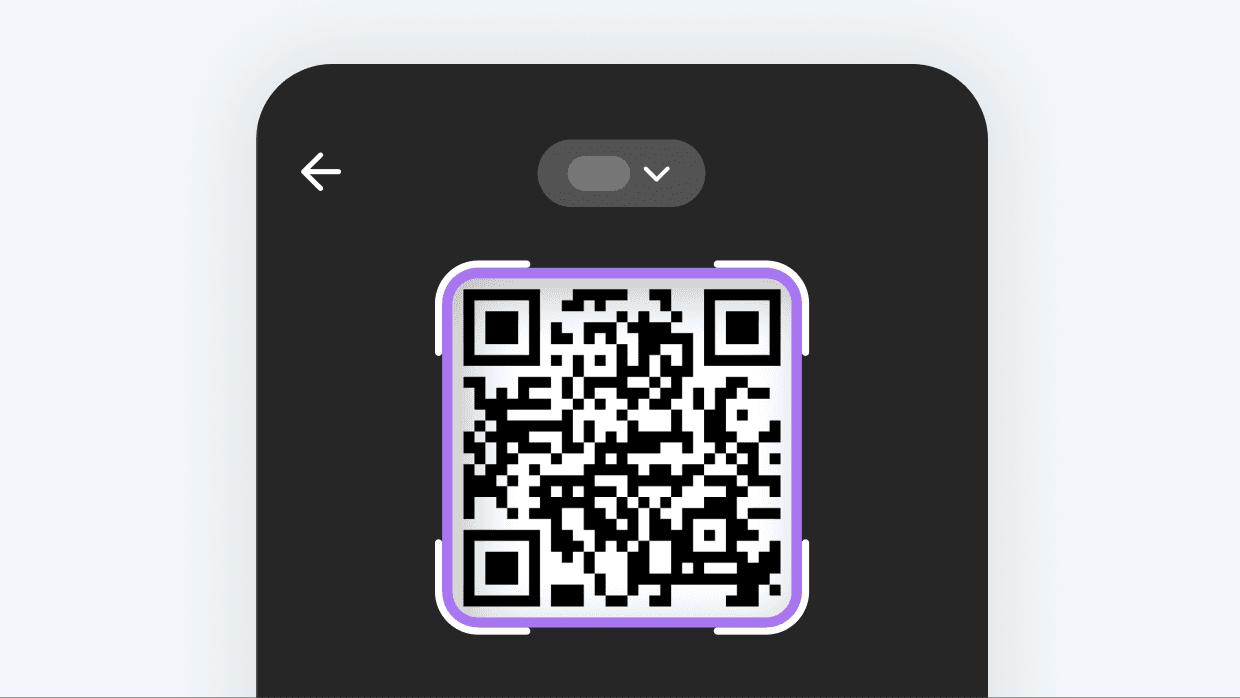
Scan the store's QR code
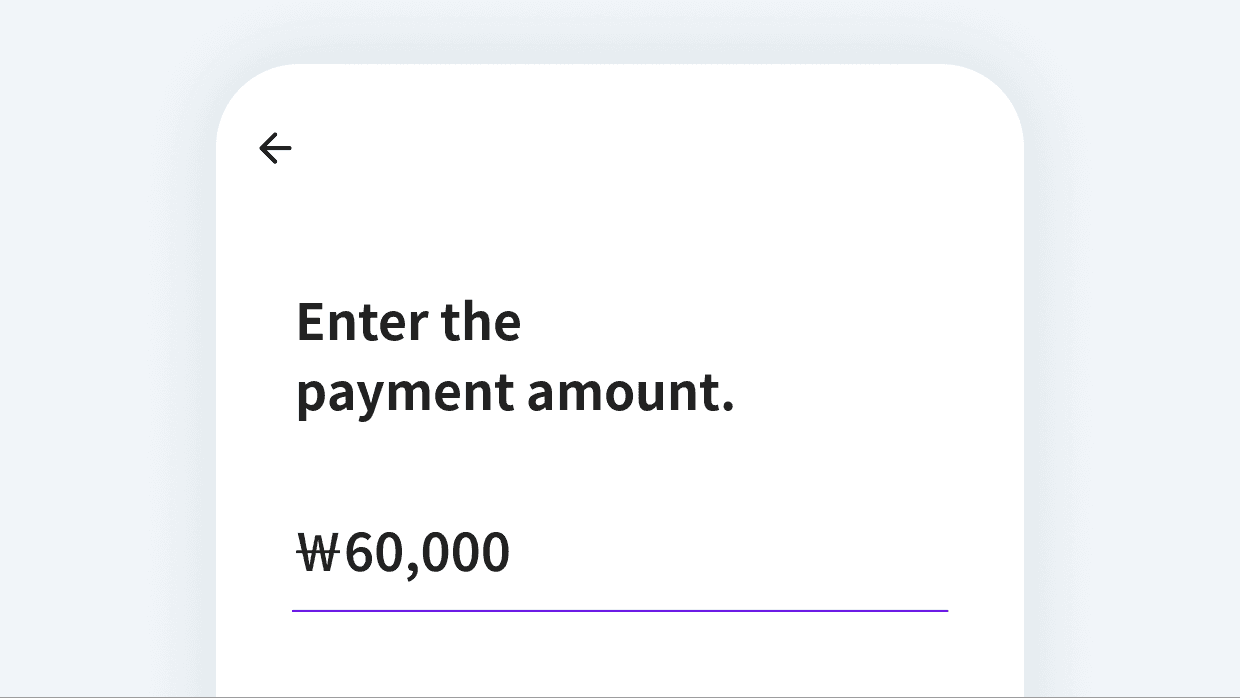
Enter the amount you want to pay
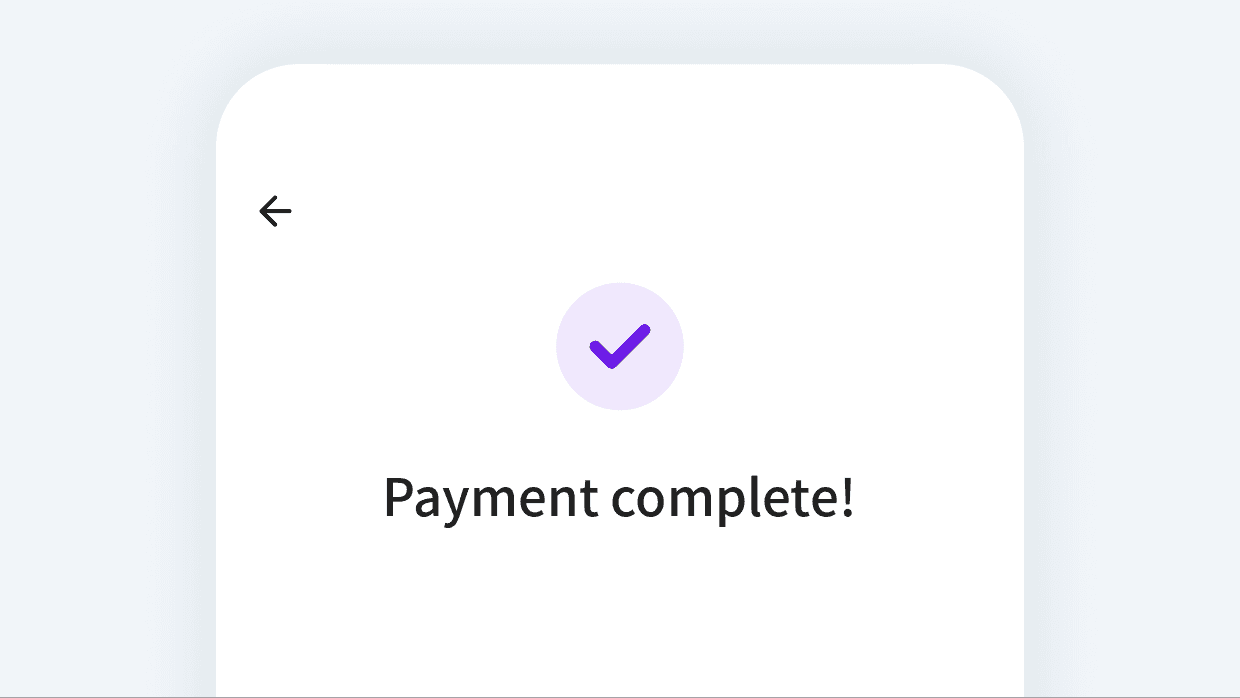
Payment complete!
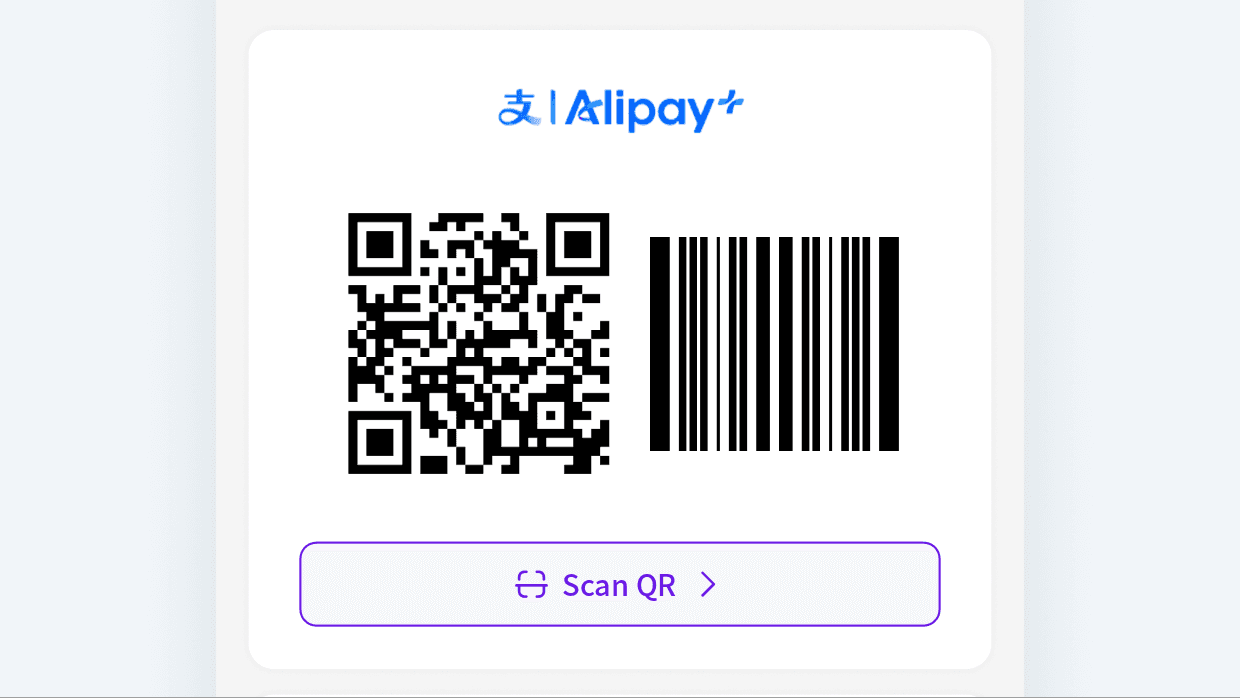
Pay with my QR
Show the QR code or barcode to the store
Payment complete!
Good to know
1. Exchange rate The exchange rate provided by Alipay+ at the time of payment applies. You can check it on screen before paying.
2. Available countries ※ Available countries/regions and merchants may be added or changed by Alipay+. Asia · Middle East: Armenia, Cambodia, Hong Kong SAR, Kazakhstan, Laos, Malaysia, Maldives, Mongolia, Nepal, Philippines, Qatar, Sri Lanka, Türkiye, United Arab Emirates Europe: Austria, Belgium, Bulgaria, Croatia, Cyprus, Czech Republic, Denmark, Estonia, Finland, France, Germany, Greece, Hungary, Iceland, Ireland, Italy, Latvia, Liechtenstein, Lithuania, Luxembourg, Malta, Netherlands, Norway, Poland, Portugal, Romania, San Marino, Slovakia, Slovenia, Spain, Sweden, Switzerland, United Kingdom Americas · Oceania · Africa: Argentina, Australia, Chile, Colombia, Mauritius, Mexico, New Zealand, Peru, United States
3. Payment amount / Card balance Payments use only the balance of the one card you selected. If its balance is insufficient, move funds to it by card transfer or top it up before paying.
4. Payment code For security, the payment code refreshes every 30 seconds and screenshots are restricted. Captured codes cannot be used for payment.
5. Payment cancellation To cancel a payment, please ask the merchant. If the merchant asks for the transaction number, you can find it in the transaction details.