
← Using the App
Withdraw Pay Balance at a Convenience Store
How to withdraw your Pay balance as cash at a CU convenience store.
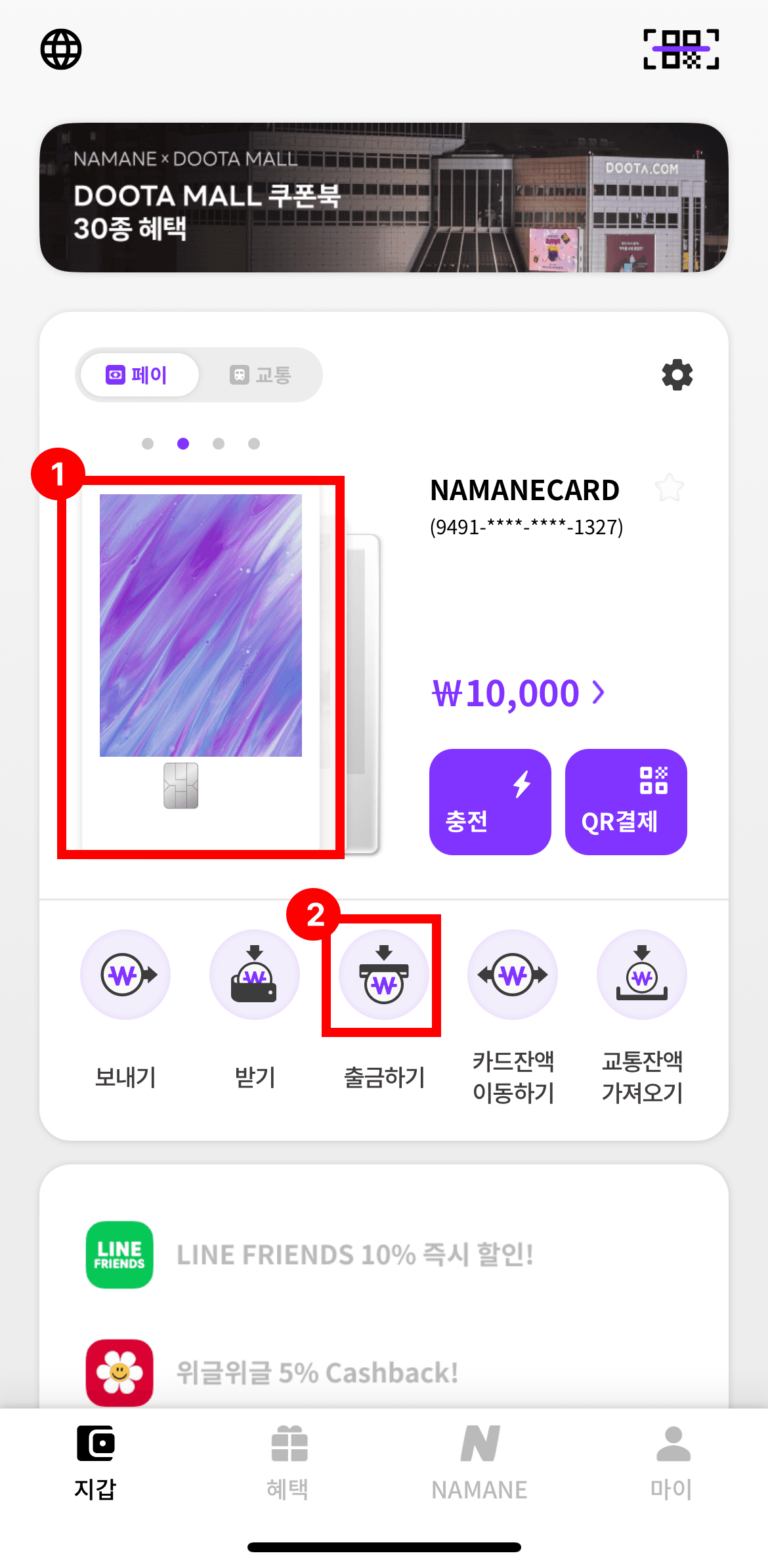
Select the card you want to withdraw from, then tap the 'Withdraw' button.
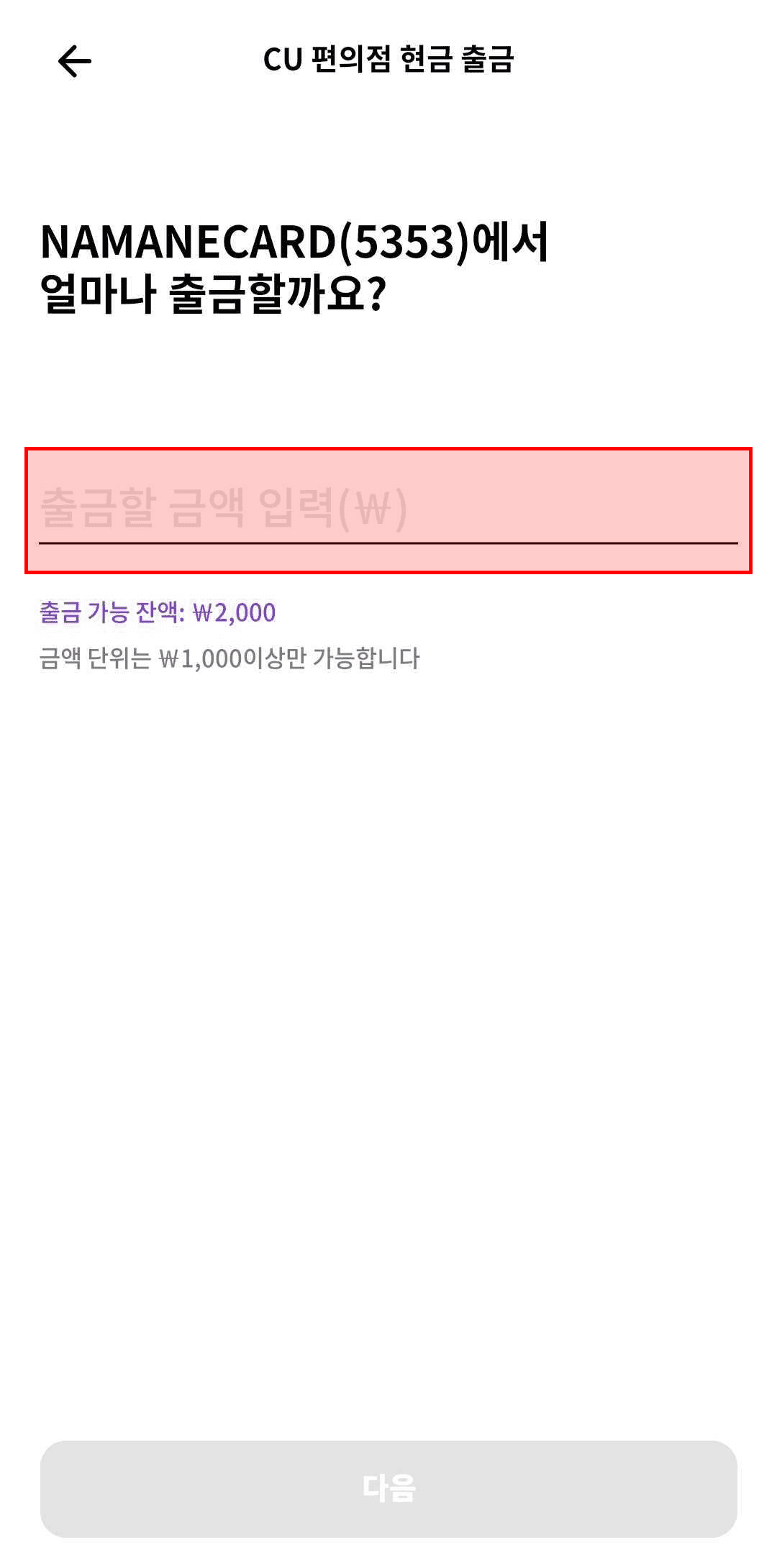
Enter the amount to withdraw, then tap 'Next'.
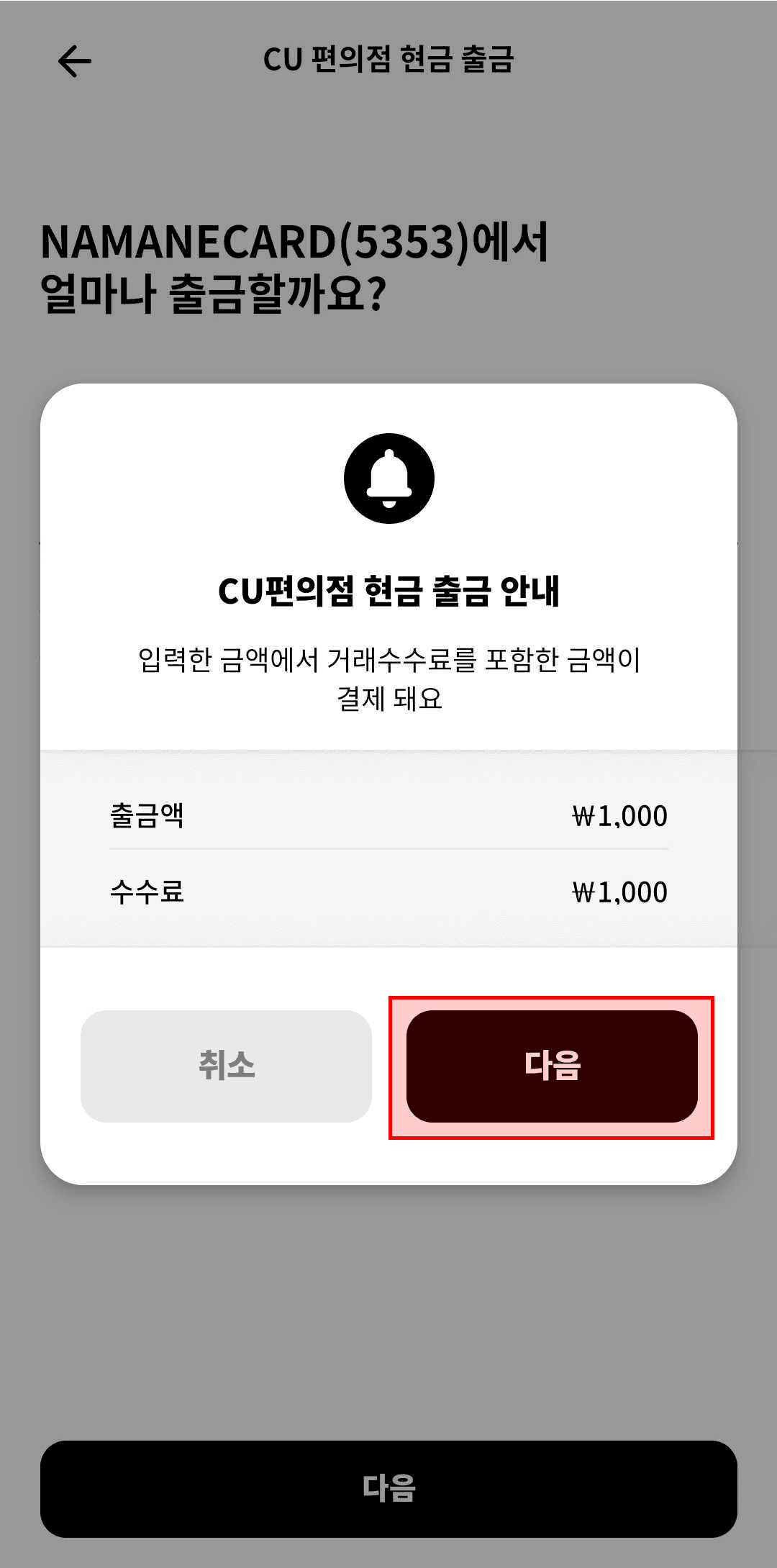
Review the CU convenience store cash withdrawal notice, then tap 'Continue'.
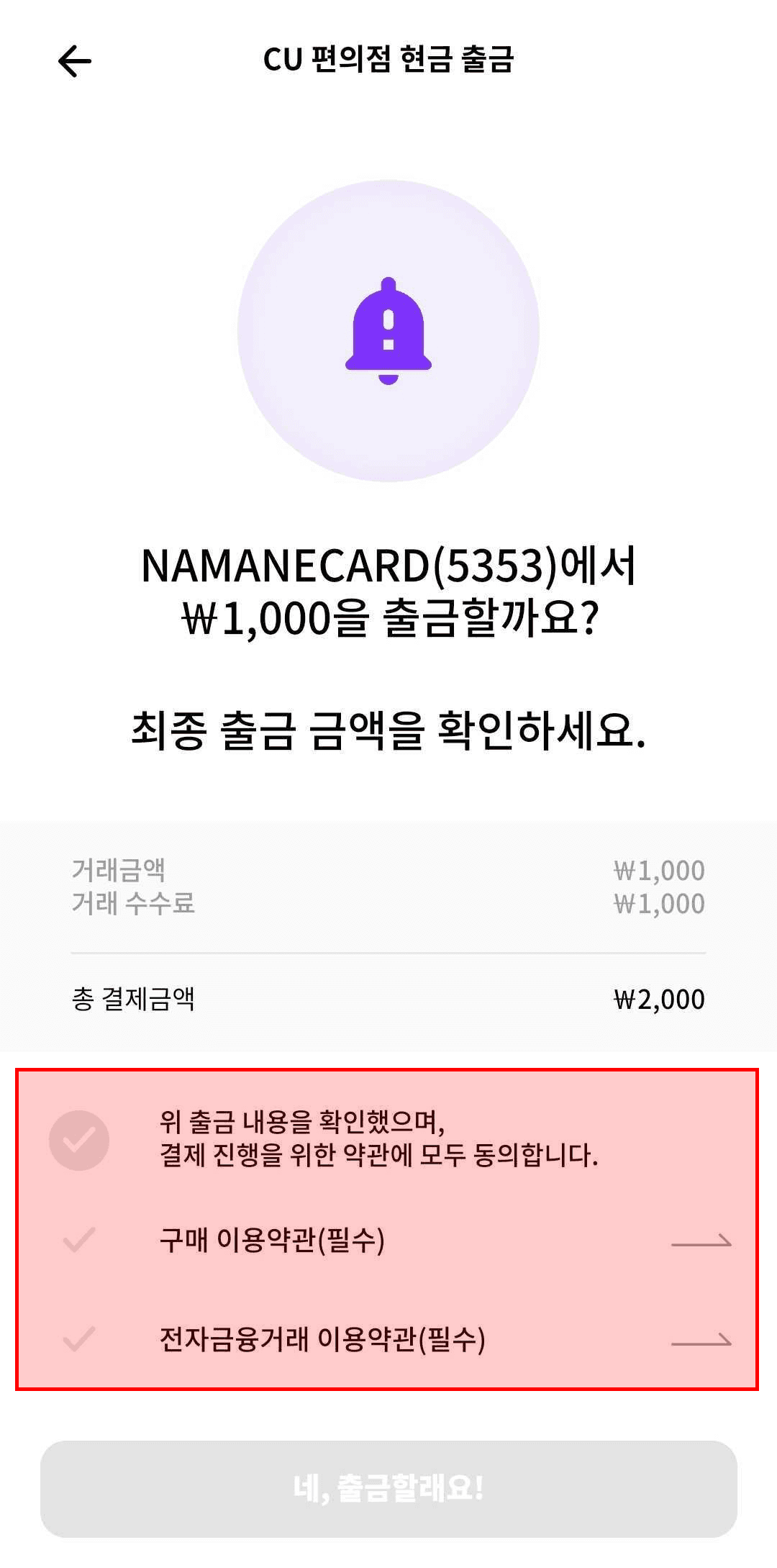
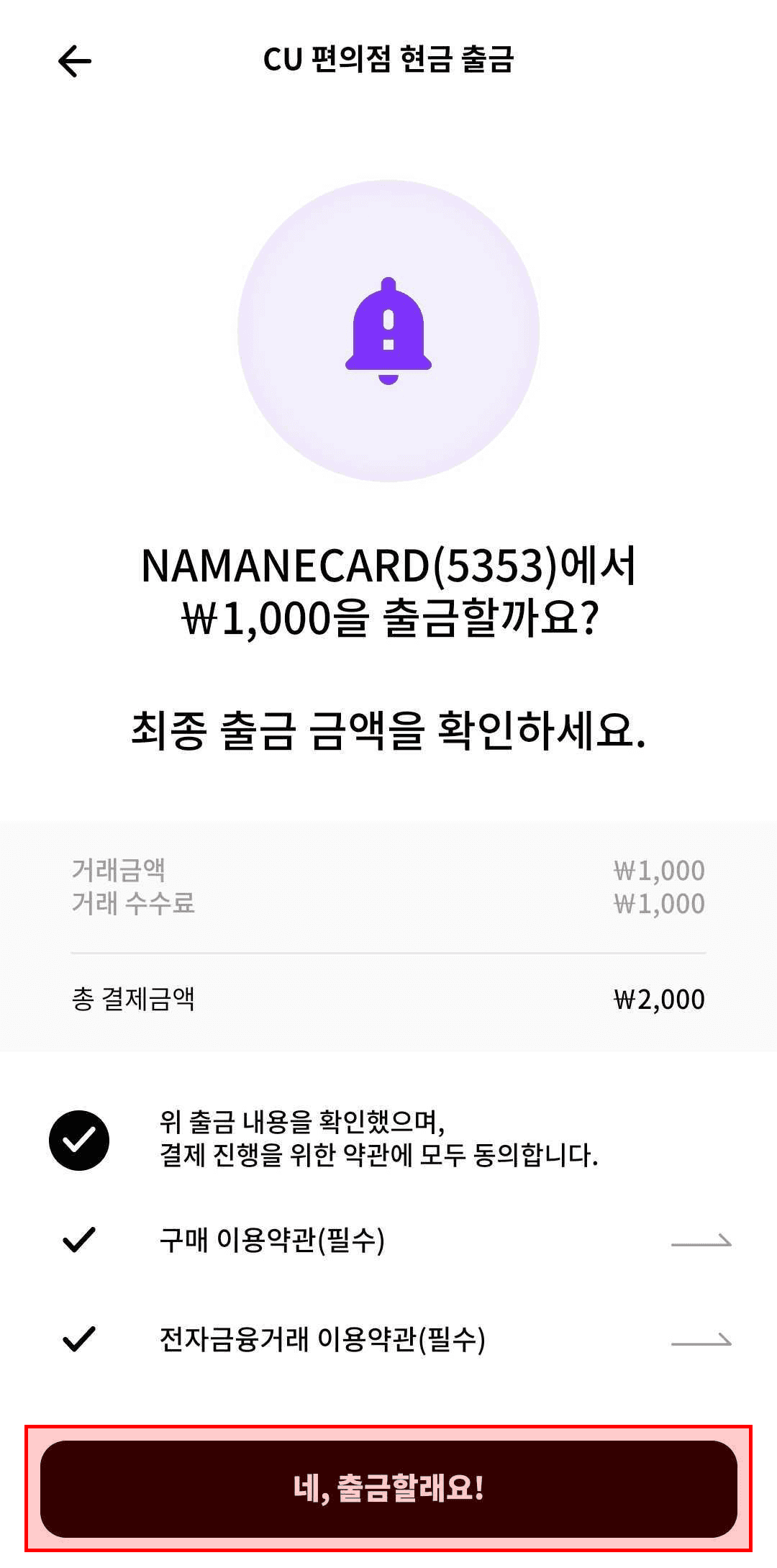
Review the withdrawal details and agree to the terms to proceed.
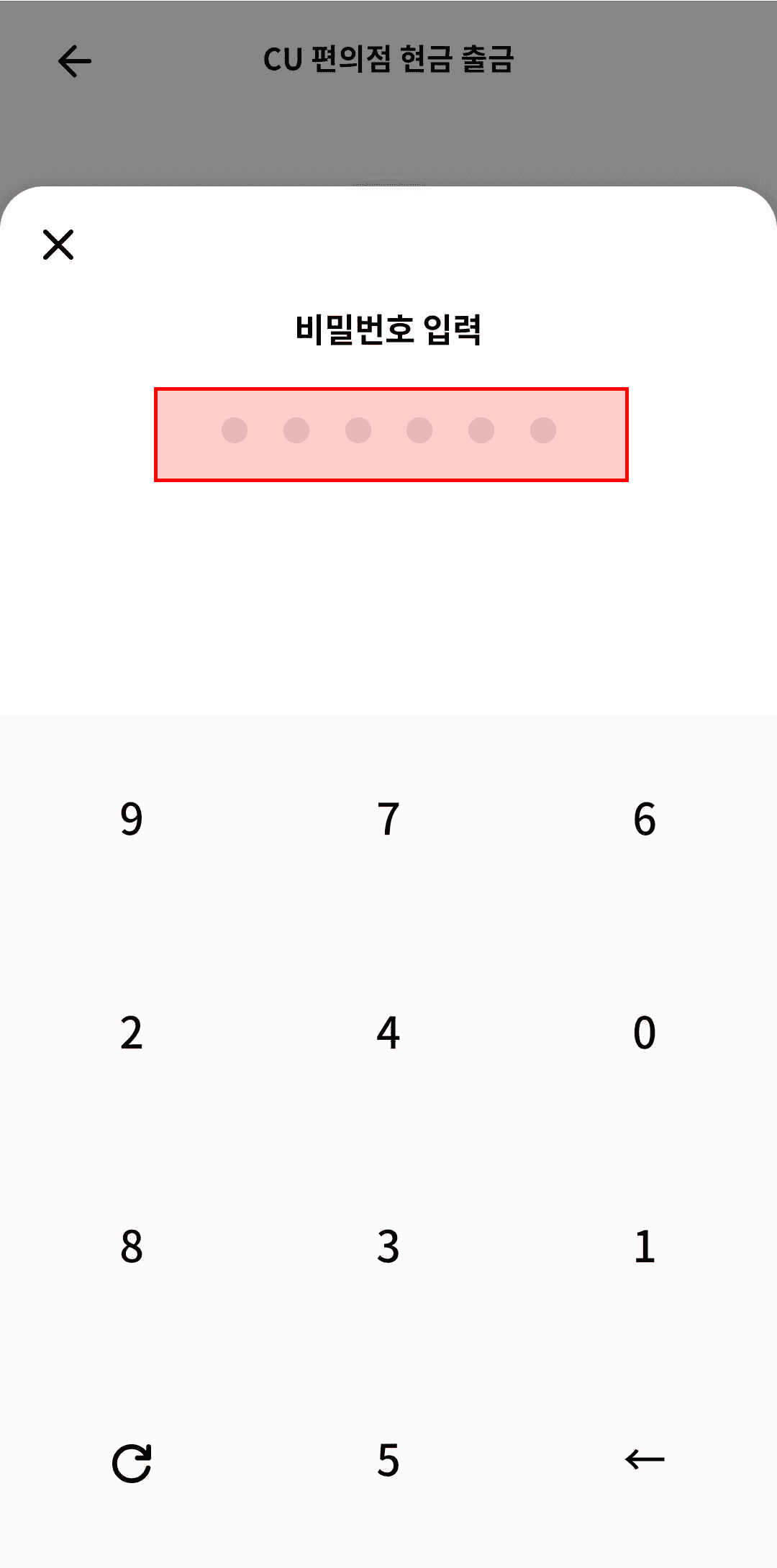
Tap 'Yes, withdraw!' and enter your security password.
Show the generated barcode to the store clerk to complete the withdrawal. The barcode is valid for about 2 minutes after issuance.
Notes
- ※ Available only at CU convenience stores.
- ※ The minimum withdrawal amount is ₩1,000 and the maximum is ₩30,000.
- ※ A fee is charged along with the withdrawal — it's only possible if your Pay balance is at least the withdrawal amount plus the fee.
- ※ The barcode is valid for 2 minutes only — if it expires, you'll need to re-authenticate and issue a new barcode.
- ※ A convenience store cash withdrawal can't be cancelled.